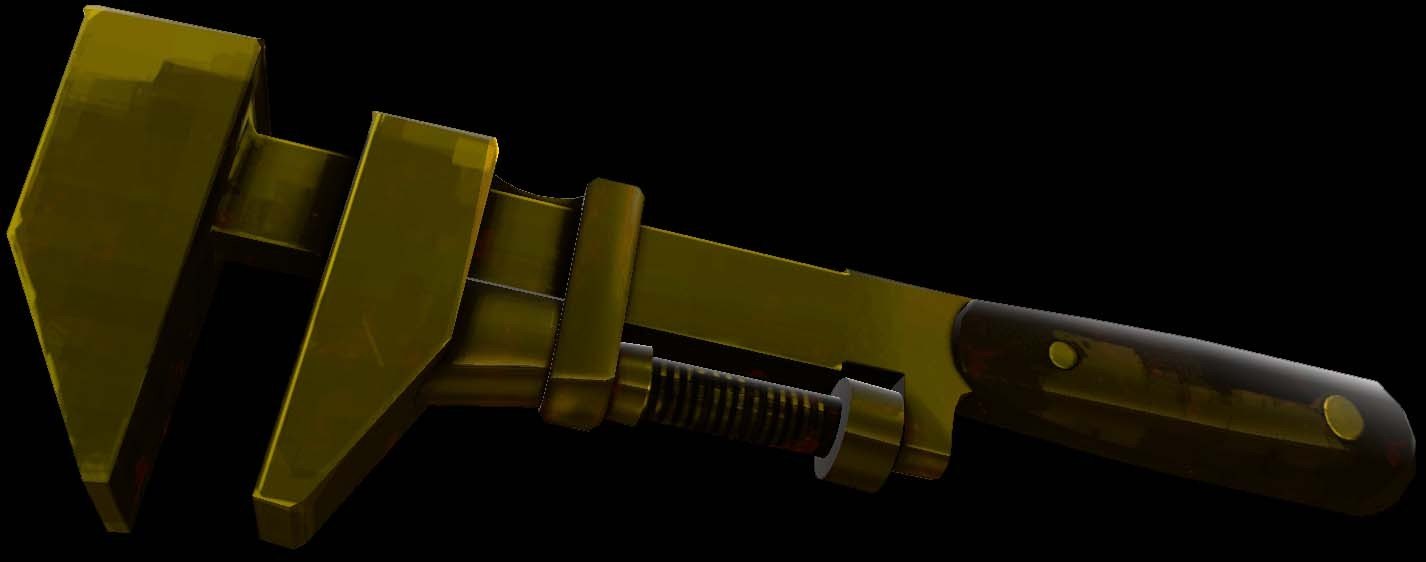
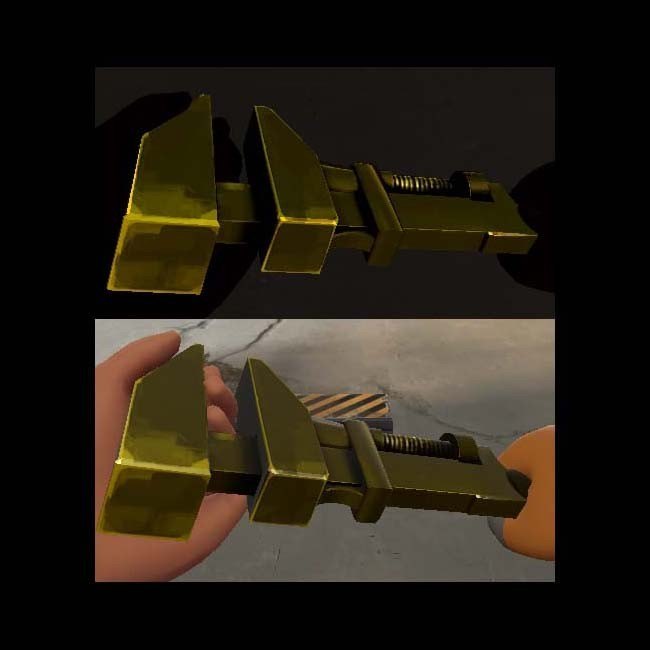
Добавил: The DSystem 2016-04-09 14:17:26 134 views place both folder in tf/materials/models/weapons/
quick-how-to:
step one: Take wrench texture
step two: get a screen-grab of the paint can colors from the Team Fortress 2 wiki
step three: make an overlay and use the austrailium paint color (#E7B53B)
step four: set layer mask to "color"
step five: save texture
step six: get wrench vmt
step seven: get the goldcube envmap coding and add it to the default wrench vmt
step eight: boost the phong numbers (or whatever, I don't think it worked, you're welcome to try)
step nine: upload to Gamebanana
step ten: watch the people either mark it as spam, hate it, vote it as a low quality tecxture, etc
step eleven: ignore them
did you know you can add the goldcube effect to any vmt?
let the golden age reign again
Keywords: |  Add submission