Добавил: The DSystem 2016-04-10 04:46:42 89 views Team Fortress 2 Default Items with New Animations 360? Spin w/ Float Up n' Down Medkits and Ammopacks
READ ME
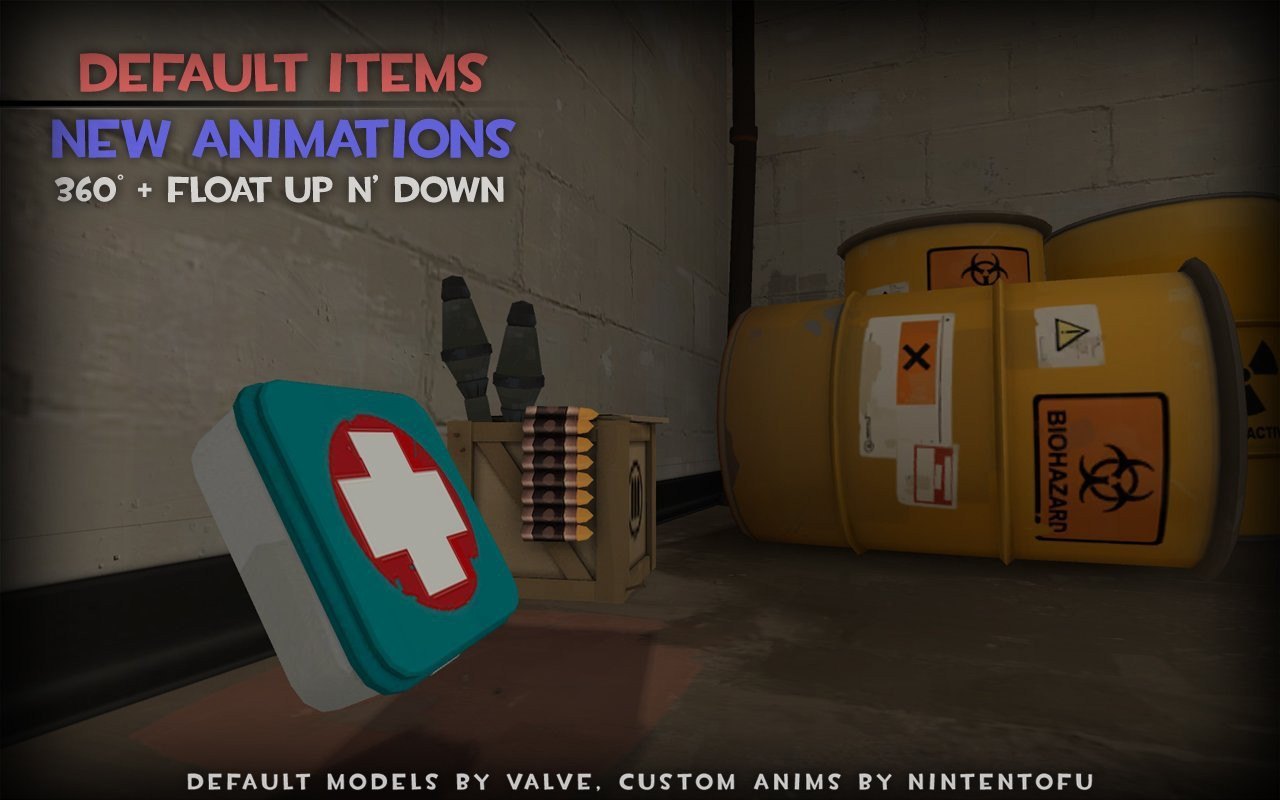
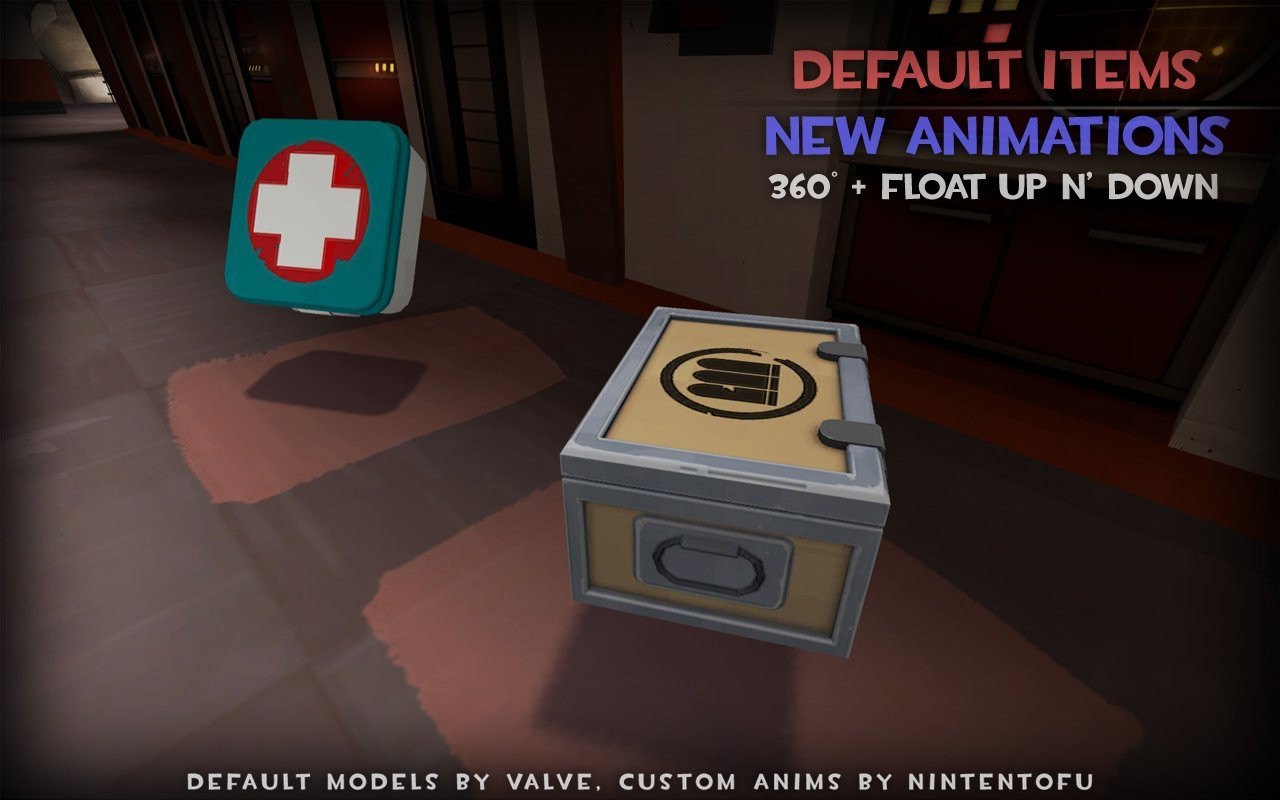
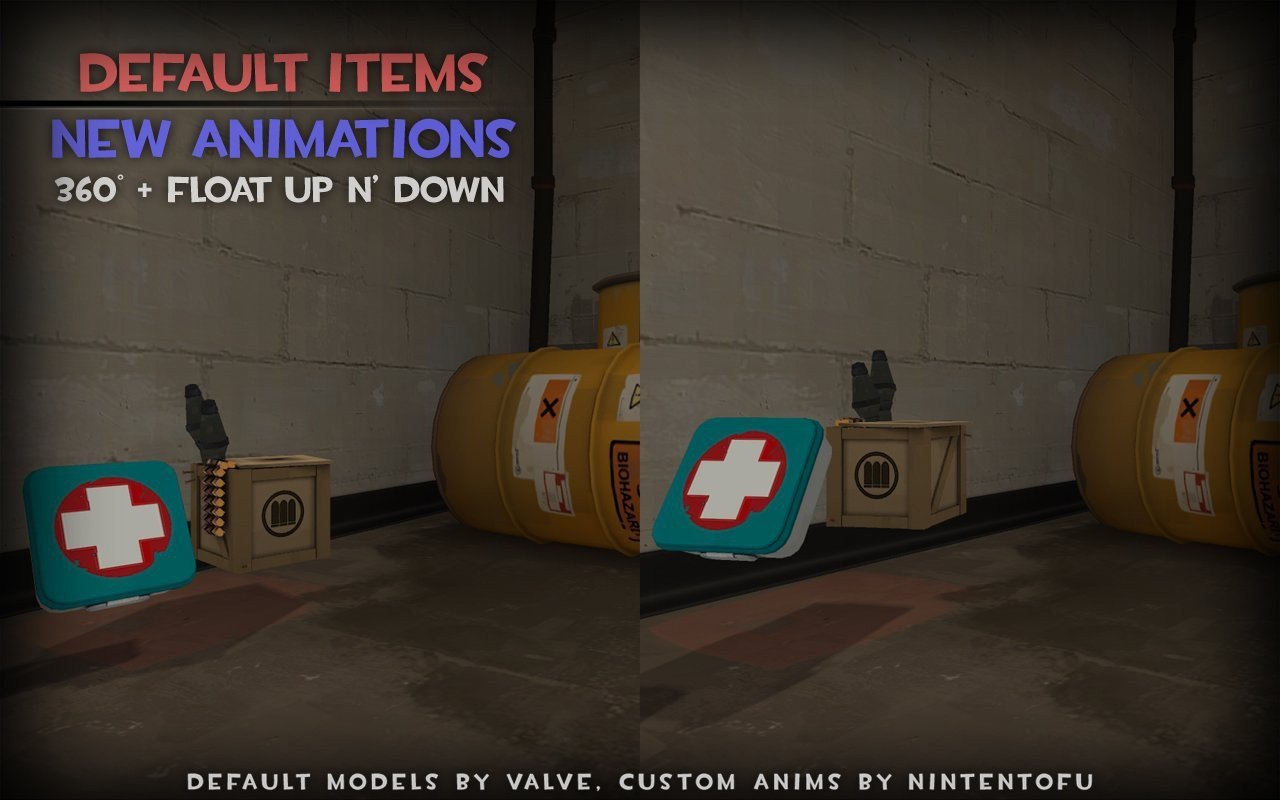
It's been a few weeks since I've compiled anything and I've wanted to create new anims for the Items in TF2 for awhile now. So here is a simple new release of the Default VALVE models for the Medkits + Ammopacks (small through large) with new animations.
Below is a video with the new animations.
/go/2789.lnk
In case anyone is wondering,
The default Valve animations rotate 360? every 30 frames. These new animations rotate 360? every 60 frames, as well as bob up and down. So the animation should be a tad bit smoother then before.
Also, I was focused on making sure these anims wouldn't mess with any pre-existing Item placements within Default and Custom made maps. The float up and down sequence NEVER floats below the original point in which the models rest. They only float higher above, then back down to default location.
HOW TO USE / INSTALL
1) Unzip file "DefaultItemswithNewAnims.zip", and open.
2) copy the "models" folder, and paste into your Team Fortress 2\tf\ folder, (see example directory below)
C:\Program Files\Steam\steamapps\YOURSTEAMID\team fortress 2\tf\
You are done installing. Enjoy!
Keywords: |  Add submission