Добавил: The DSystem 2016-04-09 23:37:27 124 views This pack will enable you to run server-side skins on tf2. I did not make the models or textures. I only hex-edited the paths for use server-side.
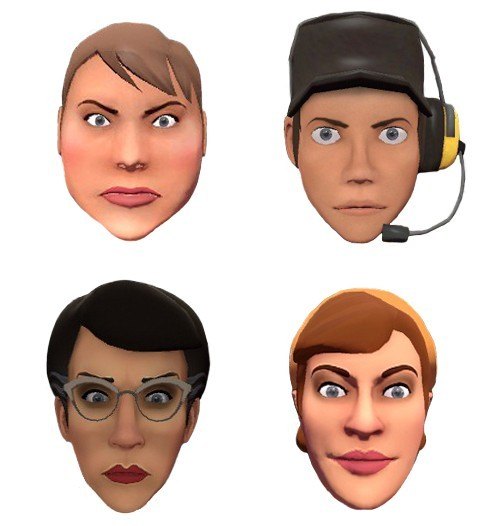
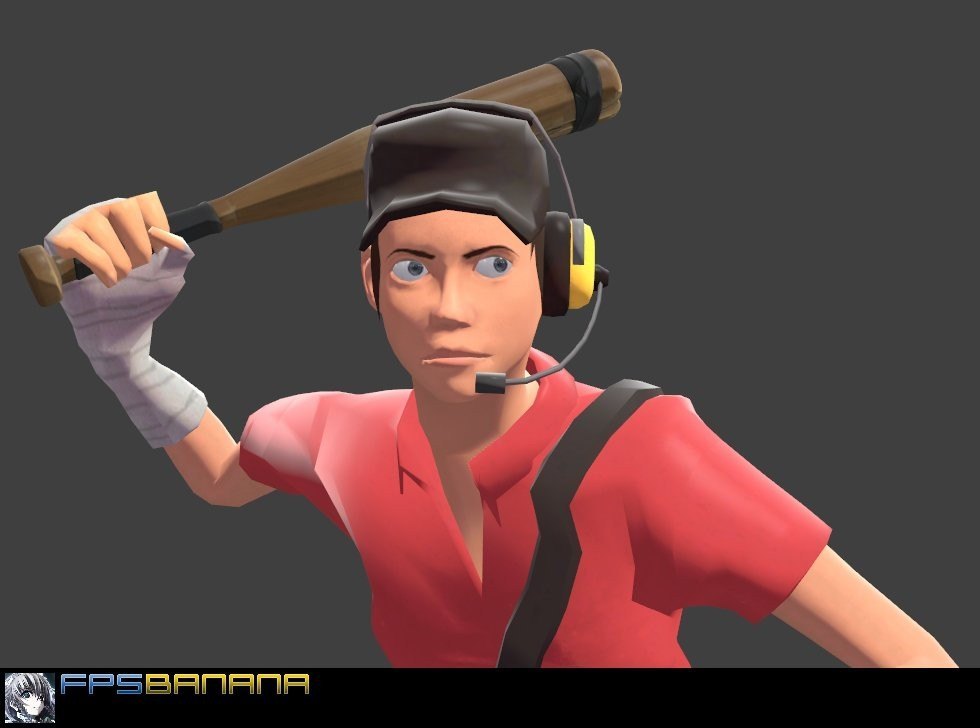
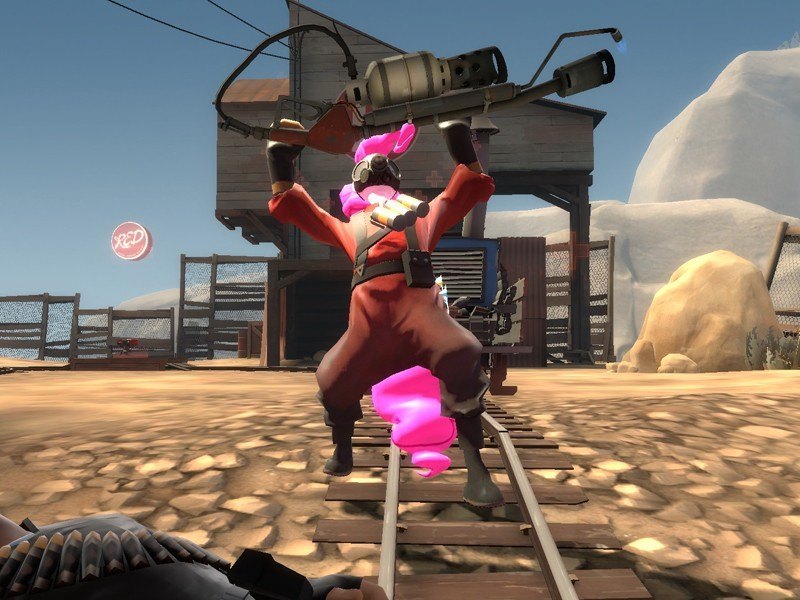
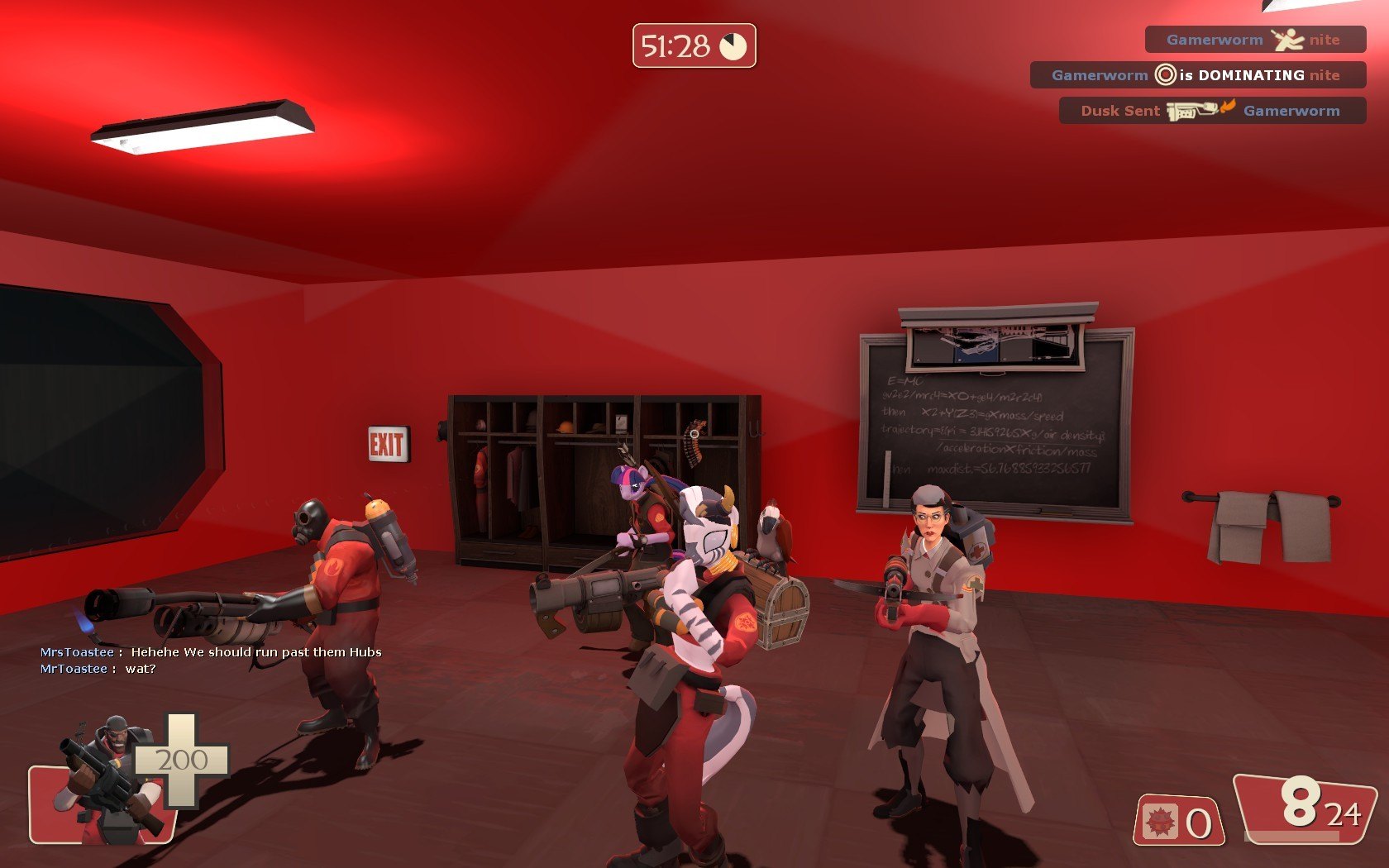
The Server Side Skins Included here are for female mods (6 classes) and some pony mods. I did not include the Gib or Voice over files. Download the original if you want to mess with those.
I have included Hex Edit so you can edit other mods to work on your server. The ones included are pre-modified.
BACKGROUND
Installing mods client side is easy, all you do is copy and paste the folders you want to overwrite into your tf2 folder. NOTE: THIS PACK IS NOT FOR CLIENT SIDE DL THE ORIGINAL FROM THE AUTHORS.
Installing the mods server-side where everyone can use and see them is a little bit trickier. It requires rewriting the paths on the files to point to a new models and materials folder (the server can’t overwrite the folders of its clients).
You also need two plugins. The first plugin is Model Manager which enables you to load the skins on the server. I have included this in the file. Just drag and drop. You may want to edit the Tf2 Item List to only allow certain clients (i.e. admins) access or to change the name of the load outs.
The next plugin is Downloader which forces clients to download the files they need. It will automatically point to the Fast Download Server specified in the server.cfg file (this should be set to your tf folder). The downloader has an ini file which points to specific directories. I have these set already so you should be good to go.
INSTALLATION INSTRUCTIONS
(1) Download and unzip the file. You should still have files zipped as bz2. DO NOT UNPACK THESE YET. These go into your Fast DL Server. Just copy the entire materials and models folder into yours and you should be good to go. The folders should be at the same directory level as your maps folder. So your fast DL server should have at least three folders, maps, materials, and models.
(2) Copy the sourcemod folder into your server directory. You need to have sourcemod installed first (Google it). These are extra plugins.
(3) Next, unzip the bz2 files that should have been uploaded to your fast DL server. These need to go into your server as well. Delete the bz2 files after unpacking and simply upload the decompressed files to your server in the folders they are in. (make sure you get all the folder directories).
That is it. If you want to remove any section (i.e. the pony mods) delete those folders and edit the TF2_ItemList.cfg located in the TF2ModelManager folder.
*****NOTE*****
I have also included Hex editor and VTFEdit. Hex editor allows you to edit models to point to different folders and VTFEdit is for editing texture paths. I already fixed it in this pack but use these programs as a guide to add more models.
Credits:
Model Manager:
https://forums.alliedmods.net/showthread.php?t=164630
SM Downloader:
http://forums.alliedmods.net/showthread.php?t=69005
AyesDyef
Female Models
Chemical Alia
Female Models
Kassgrein
Pony Models
Th3 Lucky
Pony Models
Keywords: |  Add submission