Attention!
JavaScript is disabled in your browser, so some parts of the site will not display correctly.
To make the view correct, please, enable JavaScript
Site menu
Main page
Server rules
Contact us
Ресурсы GoldSource
Games
Walkthrough
Builds servers
AMXX Plugins
Half-Life
Counter-Strike
Online compiler
Mods
Programs
Mapping
Modelling
Texturing
Tutorials
Mapping
Modelling
Texturing
For server
Skins
Skins Counter-Strike 1.6
News
Maps
Monitoring
Half-Life
Counter-Strike
Minecraft
Add server
Online compiler
Register nickname
[DS]: Half-Life Server
[DS]: CS:S GunGame v34 Server
[DS]: CS:S v34 Server
Search
Add submission
Authorization
Latest submissions
Lara Croft TRU Hostage
Read more
Custom Hostages Pack
Read more
Newest Ghost Porting
Read more
Just THE GREATEST BADASSES OF ALL TIME
Read more
Deagle with Converted Lara Croft arms and inspect animation
Read more
Lara Croft TRU For CS 1.6 CUSTOM RECREATION
Read more
Knife with Converted Lara Croft arms and inspect animation
Read more
M4A1 with Converted Lara Croft arms and inspect animation
Read more
Map ins_flowergarden
Read more
Map bhop_ctm_pikachu
Read more
Map bhop_ctm_nice
Read more
Map bhop_ctm_easy
Read more
Map smk_bhop_stonetemple
Read more
Map bhop_ctm_brick
Read more
Map sc_persia_1
Read more
Map bhop_corrida3
Read more
Map sc_lab
Read more
Map sc_hidden
Read more
Map bhop_catacomb
Read more
Map sc_heist
Read more
<JAM>
HL-HEV
DS-Servers
Skins
Team Fortress 2
Other
Scrapped Dynamite Pack
Scrapped Dynamite Pack
Добавил: The DSystem
2016-04-09 21:45:35
109 views
Download
Well Would You Look At That...
August 22nd, 2012
This skin was featured on the FUCK YEAH, TF2 Tumblr (Credit goes to me for submitting the post to FUCK YEAH, TF2. I know, I'm awesome.)
READ ME
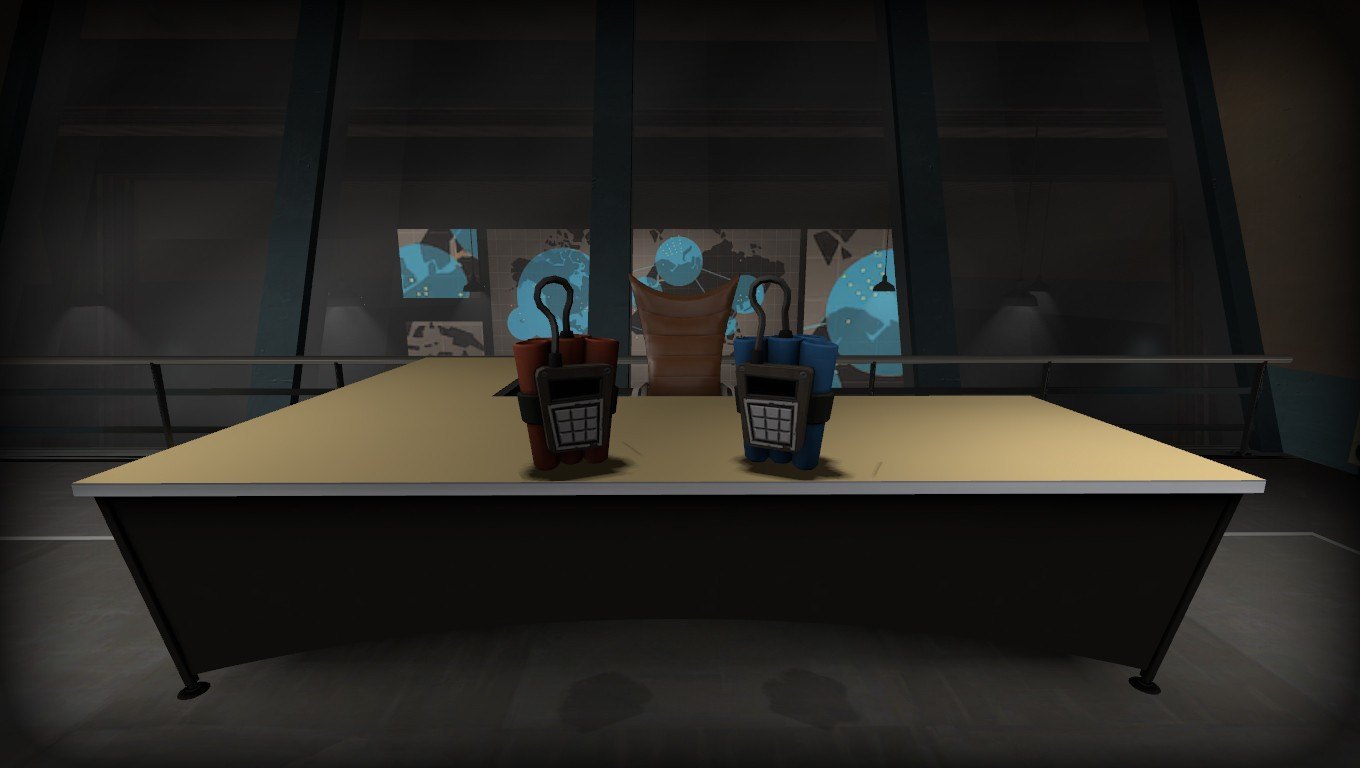
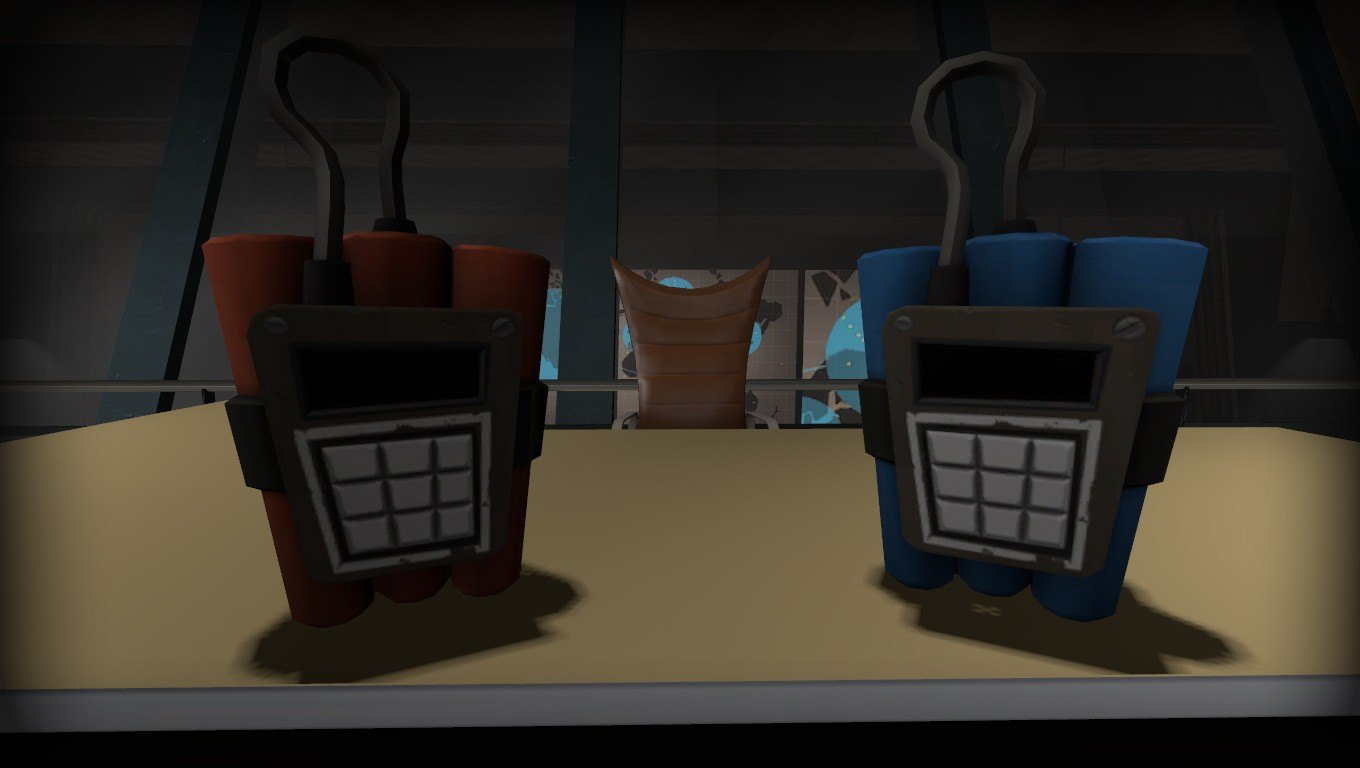
This submission was already submitted to the site by me many months ago. Do not treat this as a "new skin". I have trashed the original submission so I could re-upload it as a brand new submission, mostly to show off my brand-spankin' new 3D renders, and awesome high-quality in-game screenshots.
About This Skin
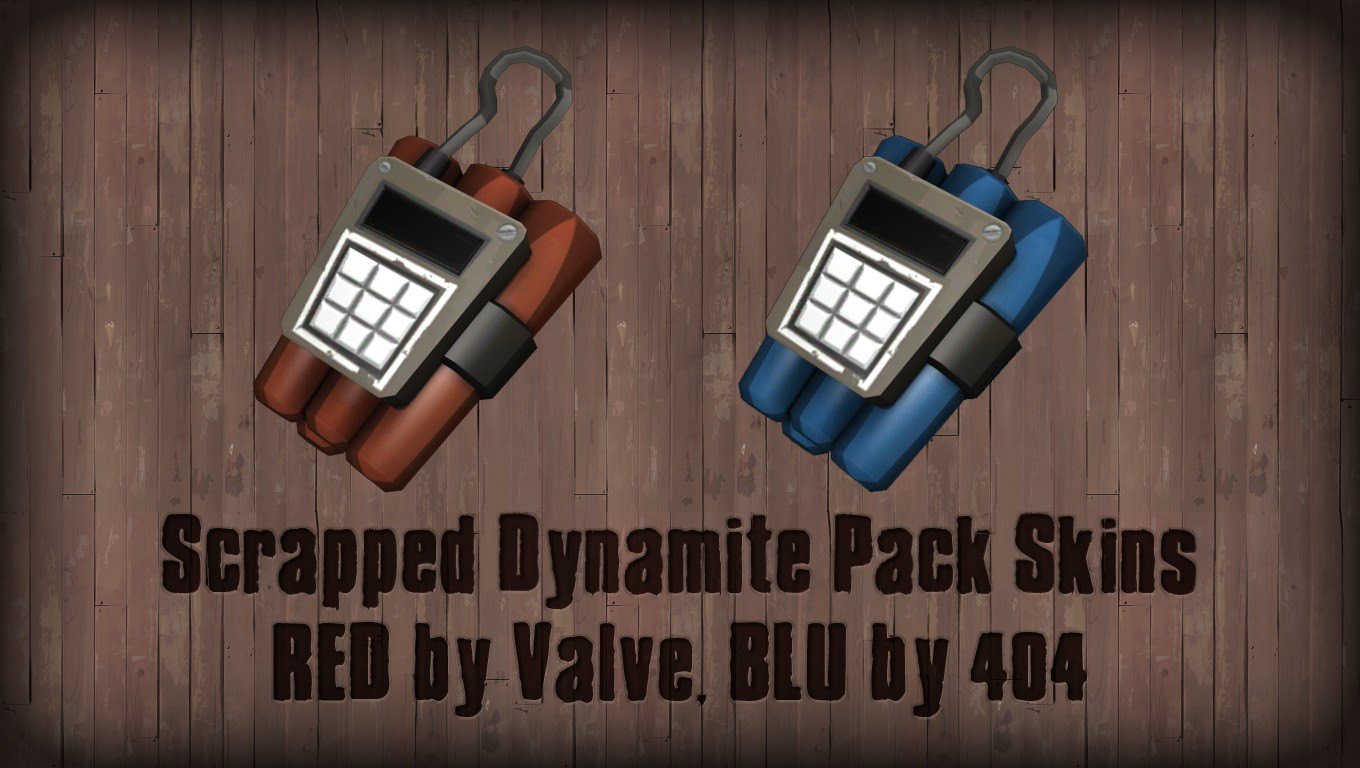
Before Valve had scrapped the Grenades from Team Fortress 2, they did create a RED skin for the Dynamite Pack. However, they didn't publicly release it until Daimao (from Facepunch) e-mailed Robin Walker. Robin sent Daimao the RED skin, and images of the skinned Dynamite Pack appeared on the official Team Fortress 2 Wiki. Eventually, I contacted Daimao about the skin and he sent it to me.
While messing around, I opened the Dynamite Pack's MDL file in Notepad++, and noticed that the model also called for a BLU skin. Seeing as Valve apparently didn't create a BLU skin, I fired up Photoshop CS5, worked my magic and created the BLU skin.
So I've uploaded them here to GameBanana for anyone interested in them. You can use them as props in mapmaking, with Hammer, by extracting the models and materials into your "C:\Program Files\Steam\steamapps\yourusername\sourcesdk content\tf" directory. You can also use these in Source Filmmaker by extracting them to the "C:\Program Files\Steam\steamapps\common\SourceFilmmaker\game\tf" directory.
Installation Instructions
Installation instructions are available in the .RAR file, as "README.TXT". I also took the time to create a fancy .RAR file "Comment" area with the installation instructions which can be viewed if you're using WinRAR! How fancy!
Share:
Keywords:
Добавить комментарий
Upload
 Add submission