Добавил: The DSystem 2016-04-10 00:49:52 89 views LOOK AT BOTH RENDERS BEFORE COMMENTING AND RATING!
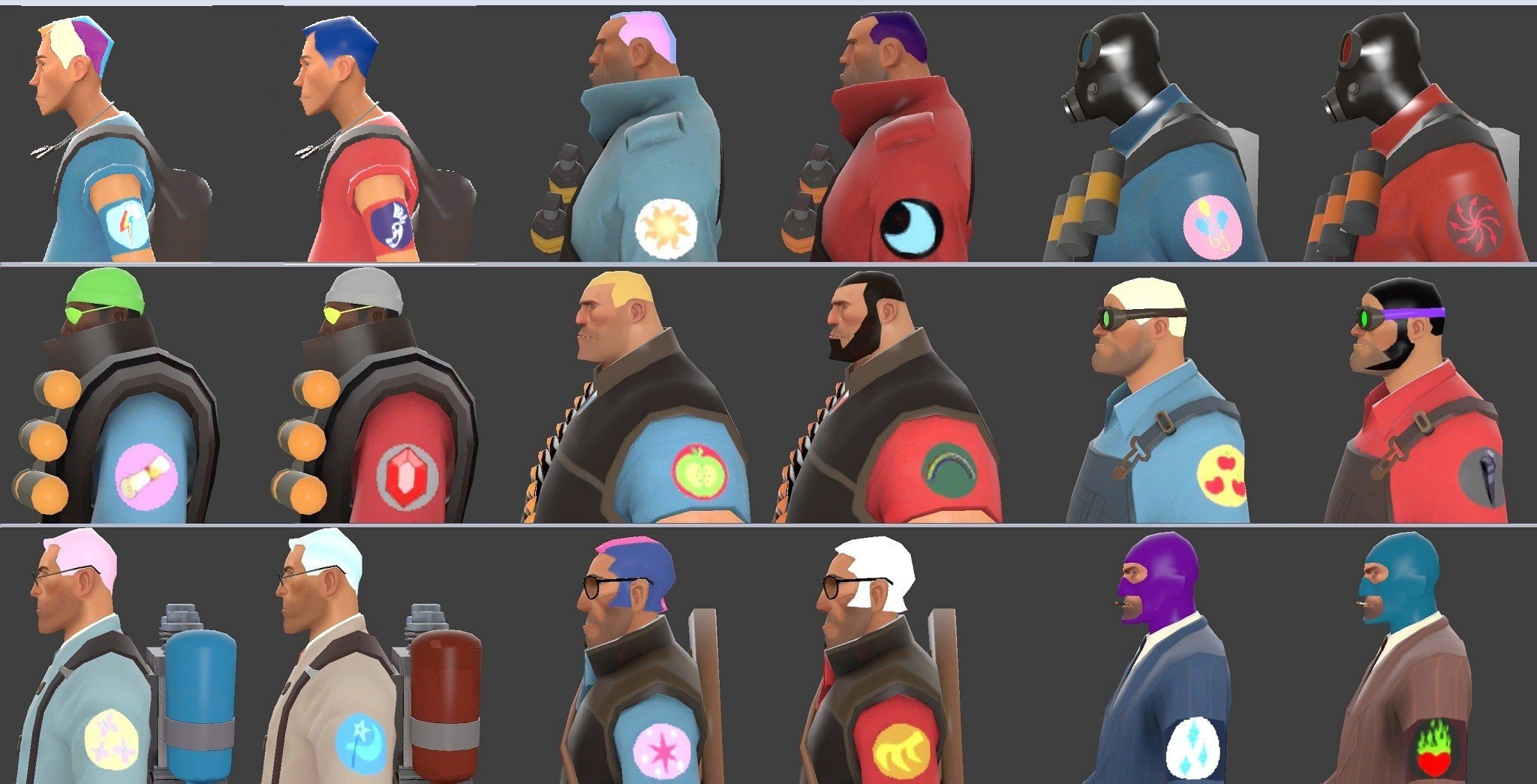
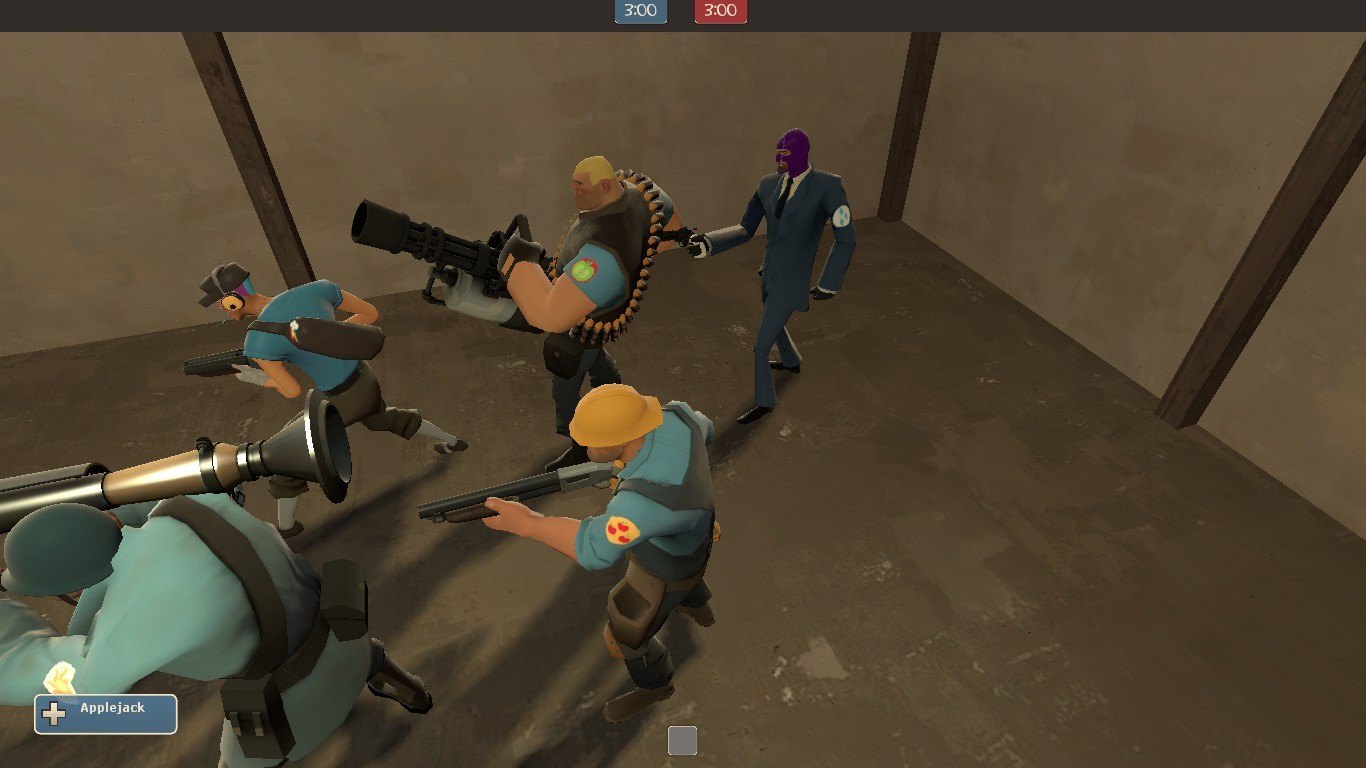
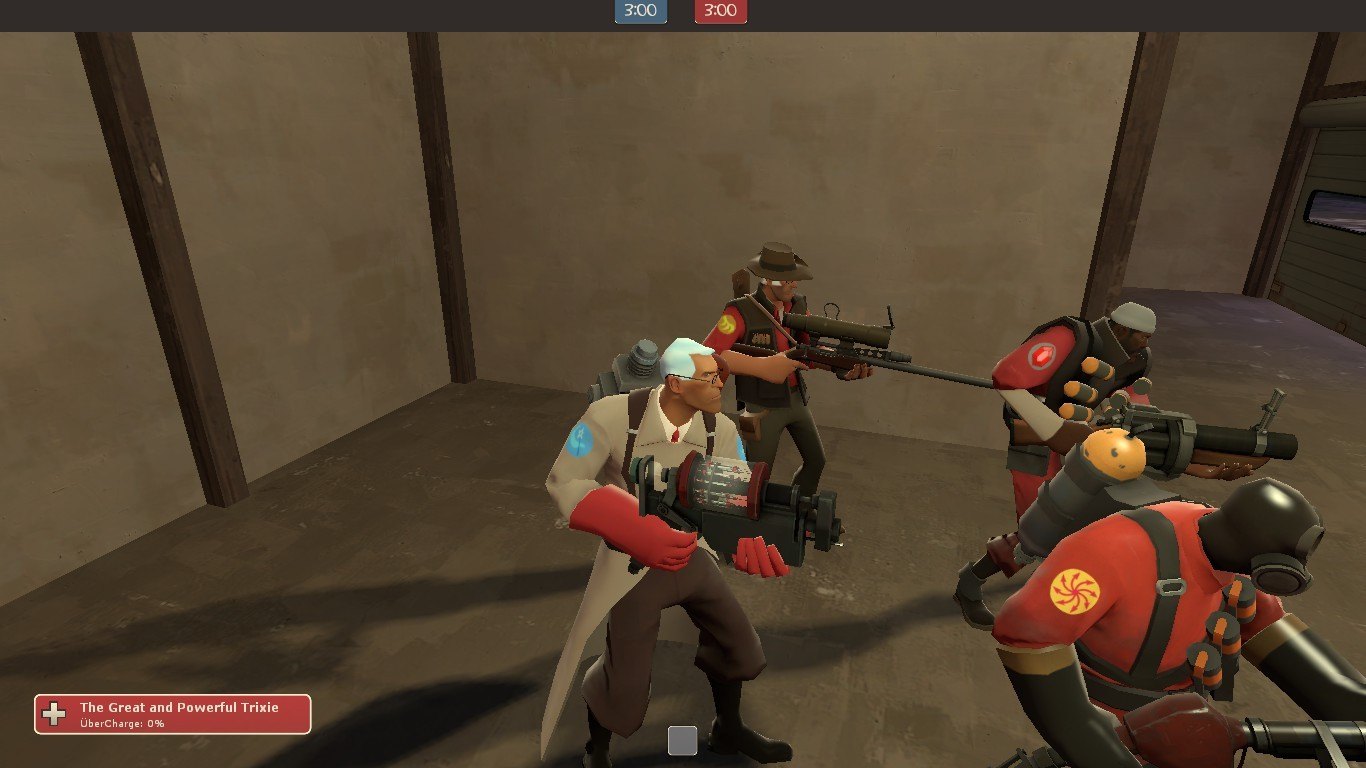
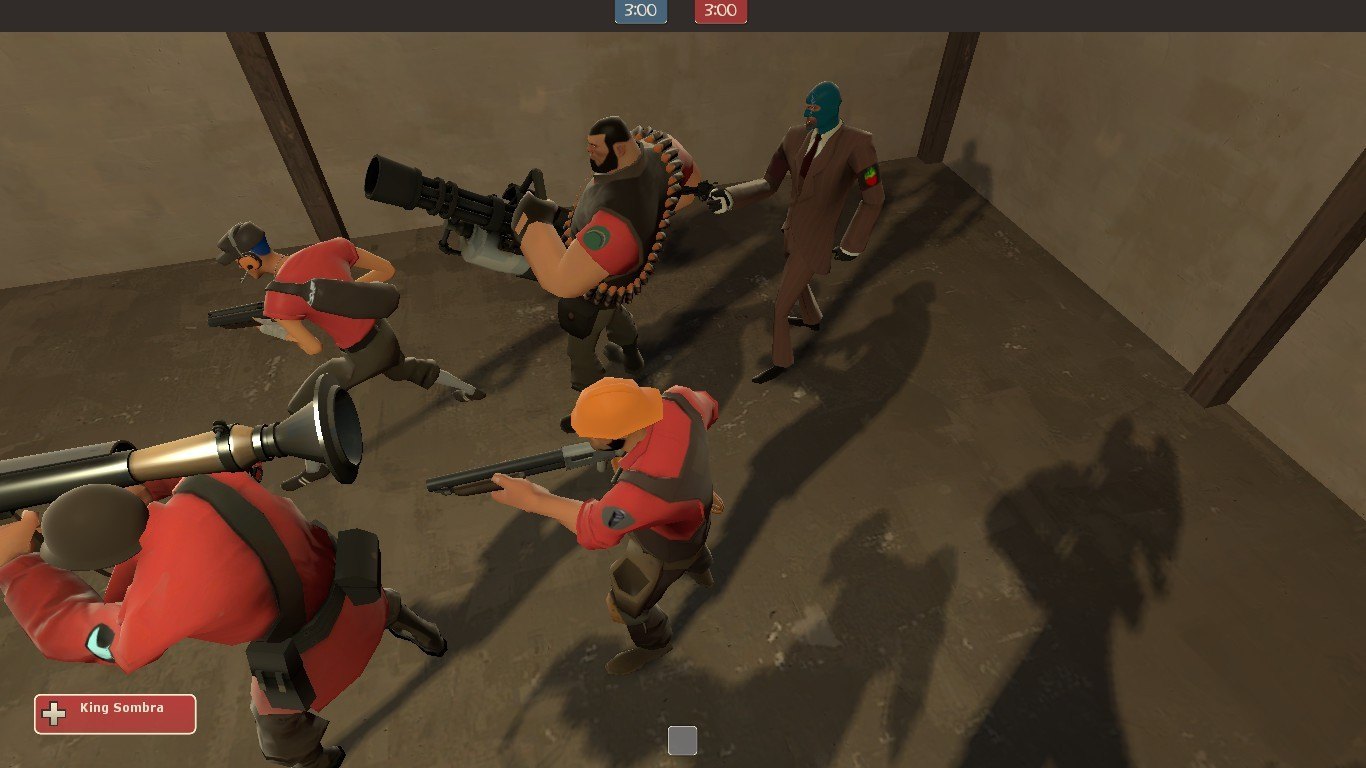
This is a severely toned down version of my more colorful team pack. After Soldier outed him as a closet brony, the magician Merasmus cursed both teams of mercenaries with pony-themed dye jobs and uniform patches as revenge for the subsequent taunting. BLU Soldier is particularly unhappy about the arrangement.
BLU TEAM:
Scout = Rainbow Dash
Soldier = Princess Celestia
Pyro = Pinkie Pie
Demoman = Spike
Heavy = Big Macintosh
Engineer = Applejack
Medic = Fluttershy
Sniper = Twilight Sparkle
Spy = Rarity
RED TEAM:
Scout = Shadowbolts
Soldier = Nightmare Moon
Pyro = Discord
Demoman = Diamond Dogs
Heavy = Tirek (1984 series)
Engineer = King Sombra
Medic = Trixie
Sniper = Gilda
Spy = Queen Chrysalis
For those unfamiliar with the lore of My Little Pony, "cutie marks" refer to the symbol on a pony's flank that usually indicates what they are good at. Not all of these characters are ponies, so I improvised for some of them.
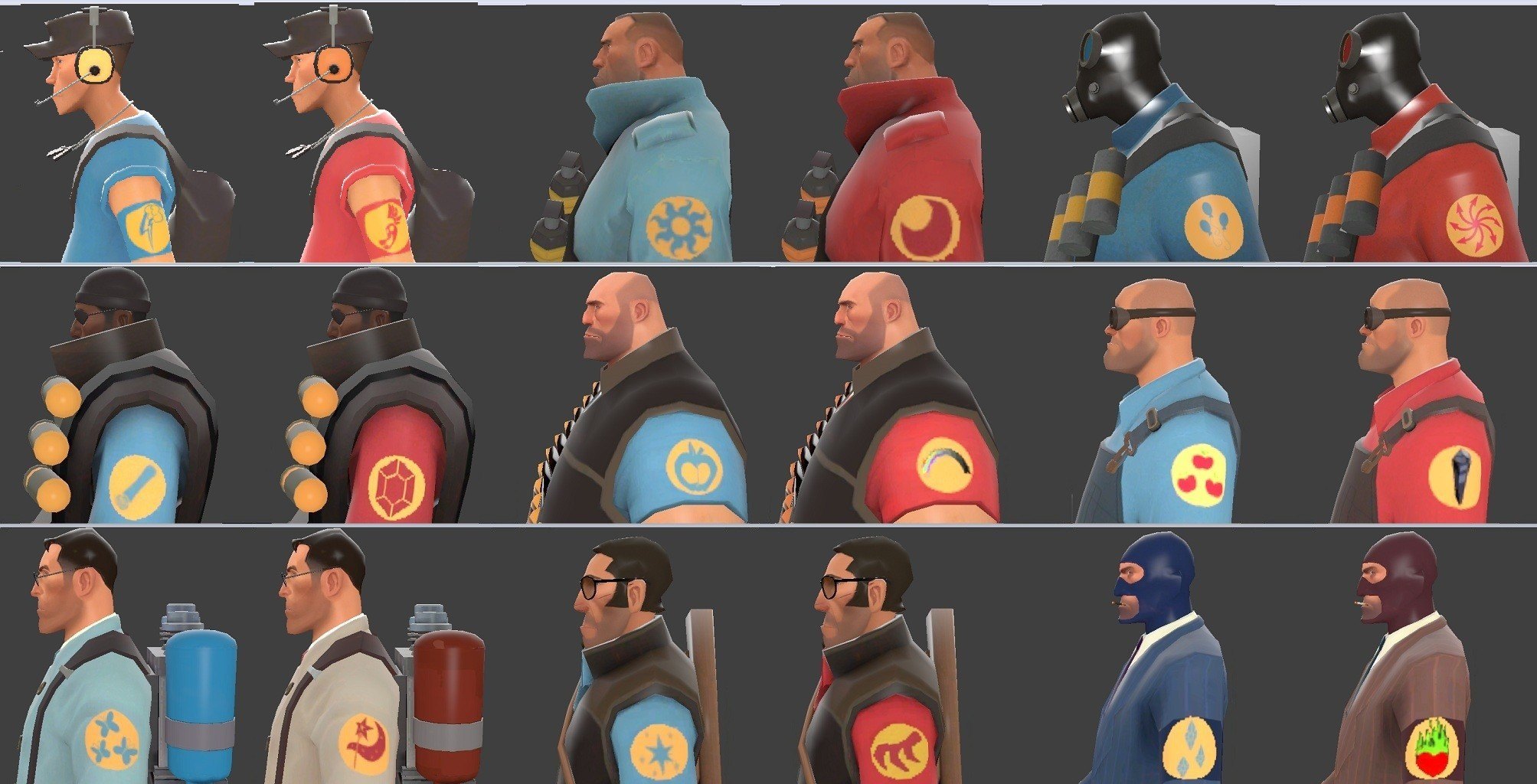
UPDATE: Added team-colored patches (see second photo), and separated hair, pony-colored patches, and team-colored patches into separate folders so you can have the option of having either set of patches without the dye job, or vice-versa.
Just unzip, choose which parts of the pack you want to use, and stick them into your tf folder.
Keywords: |  Add submission