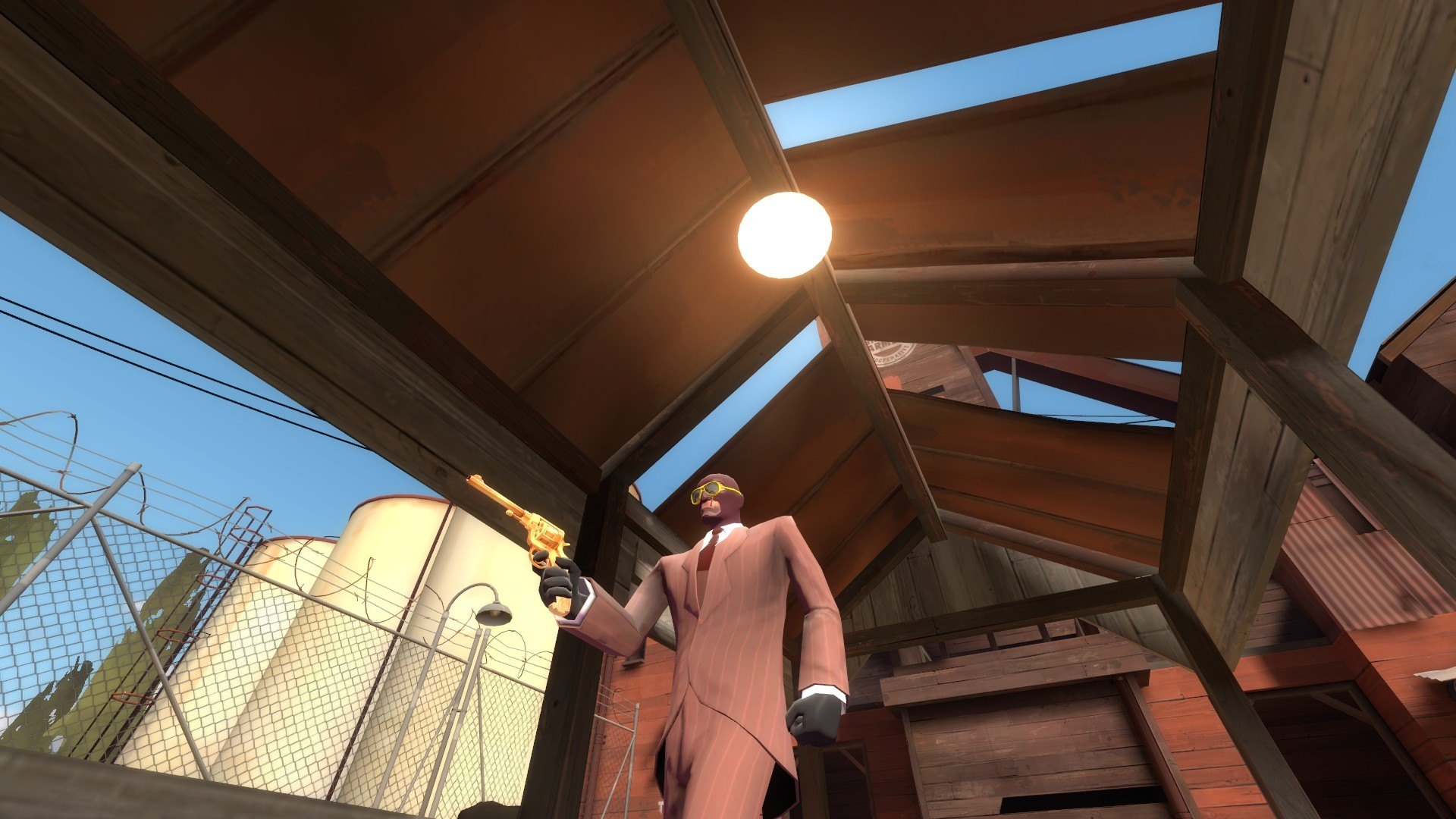
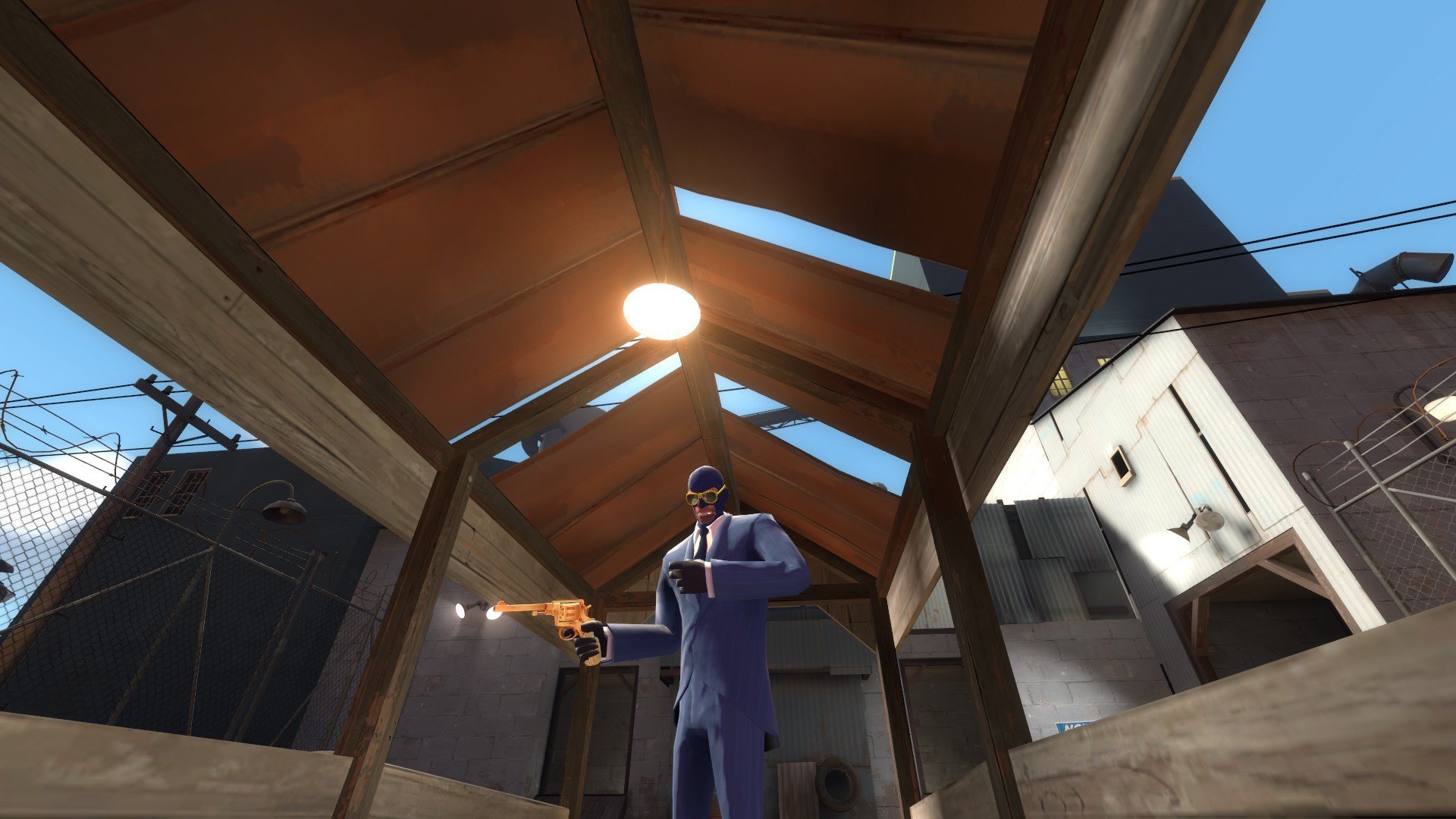
Добавил: The DSystem 2016-03-09 02:58:04 153 views How to :
Extracte with Winrar or prefered program.
Add to the folder : C:\Program Files (x86)\Steam\steamapps(your username)\team fortress 2\tf and replace the existing files.
If there are no files already created they should be created when extracted.
If you are using Windows vista or lower put files in C:\program files\Steam\steamapps(your username)\team fortress 2\tf.
You have the right to retexture the skin, but if using the items commercially please give me, Slate, credit.
Keywords: |  Add submission