Добавил: The DSystem 2016-04-10 04:45:54 112 views Team Fortress 2
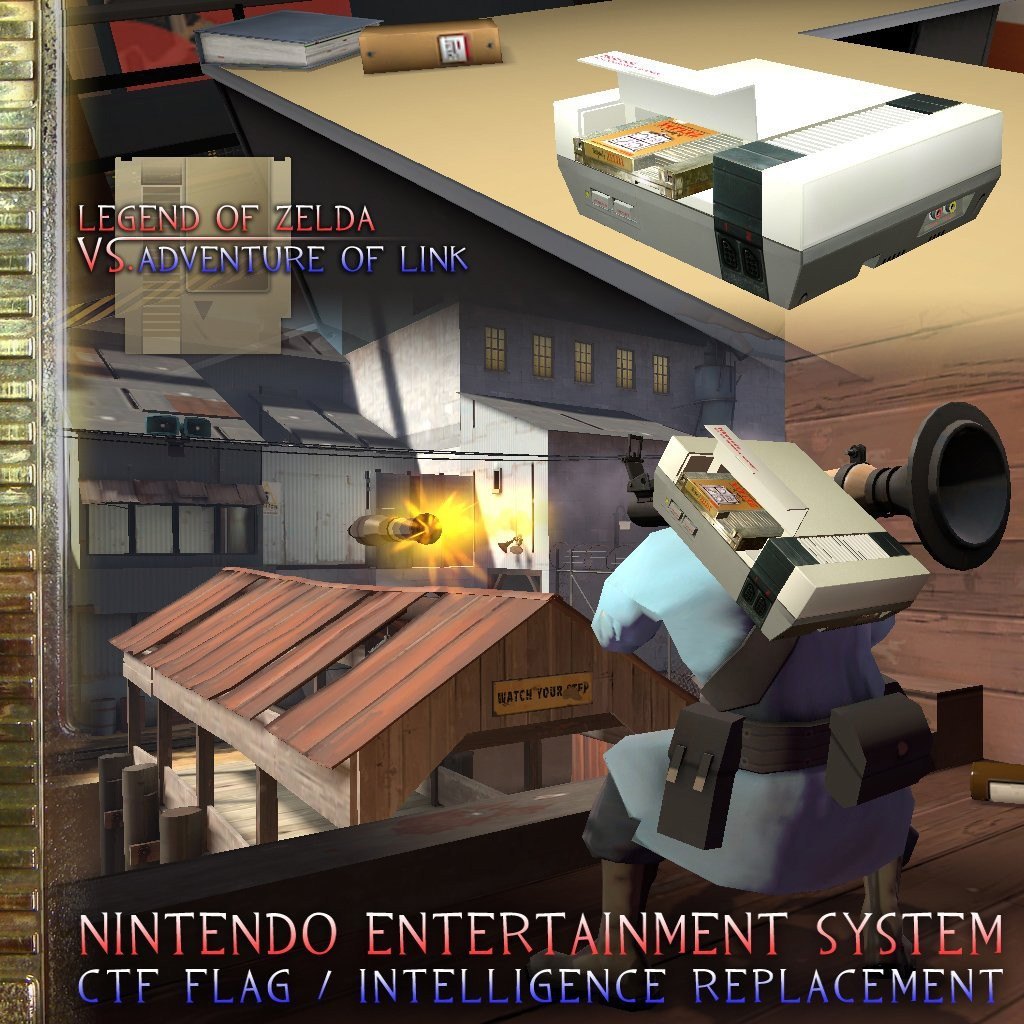
Nintendo Entertainment System
Intelligence / Flag Replacement
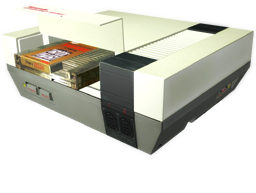
Legend of Zelda / Adventure of Link
Gold Edition
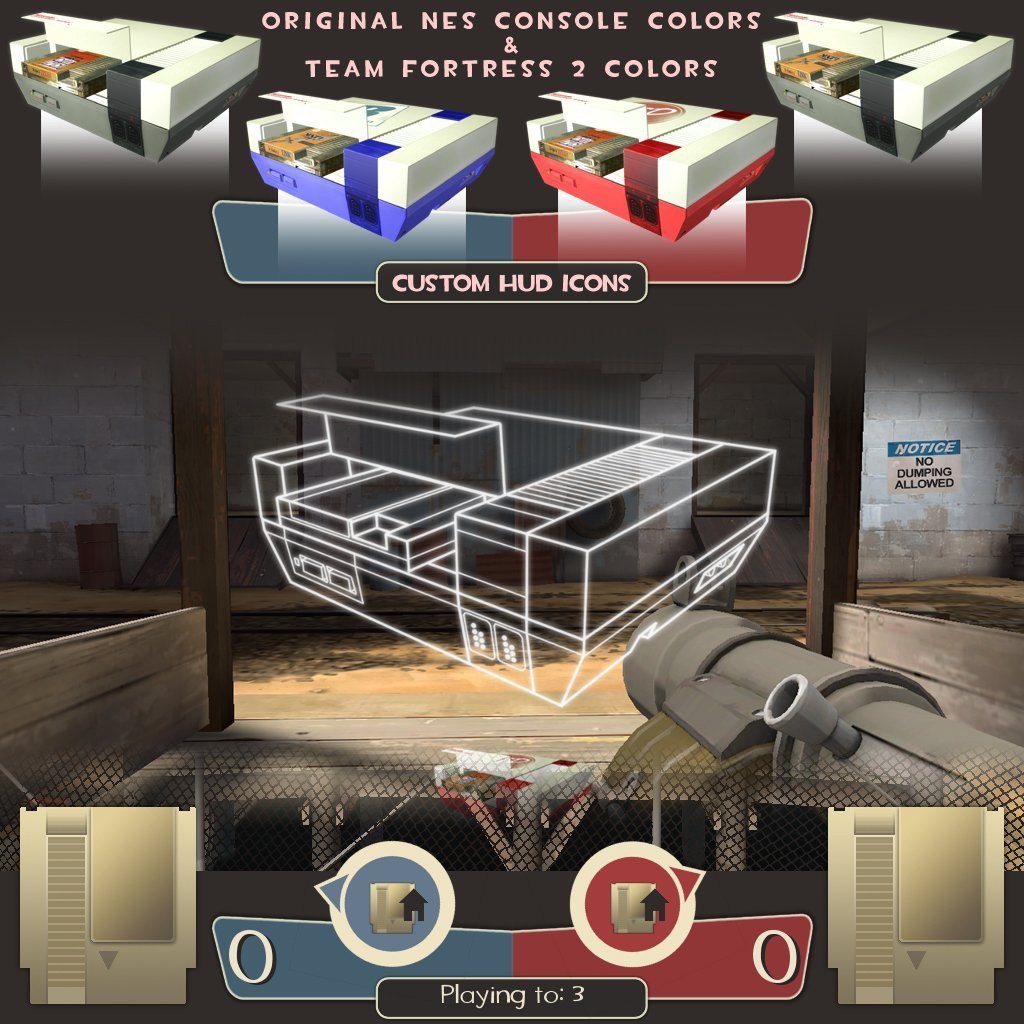
- Includes Custom HUD Icons
NES Outline "Intel Pickup/Drop" Icon
NES Cartridge "Briefcase Locater" Icon
NES Console Intel "In Possesion" Icon
Comes in Two Different Color/Skin Theme Versions
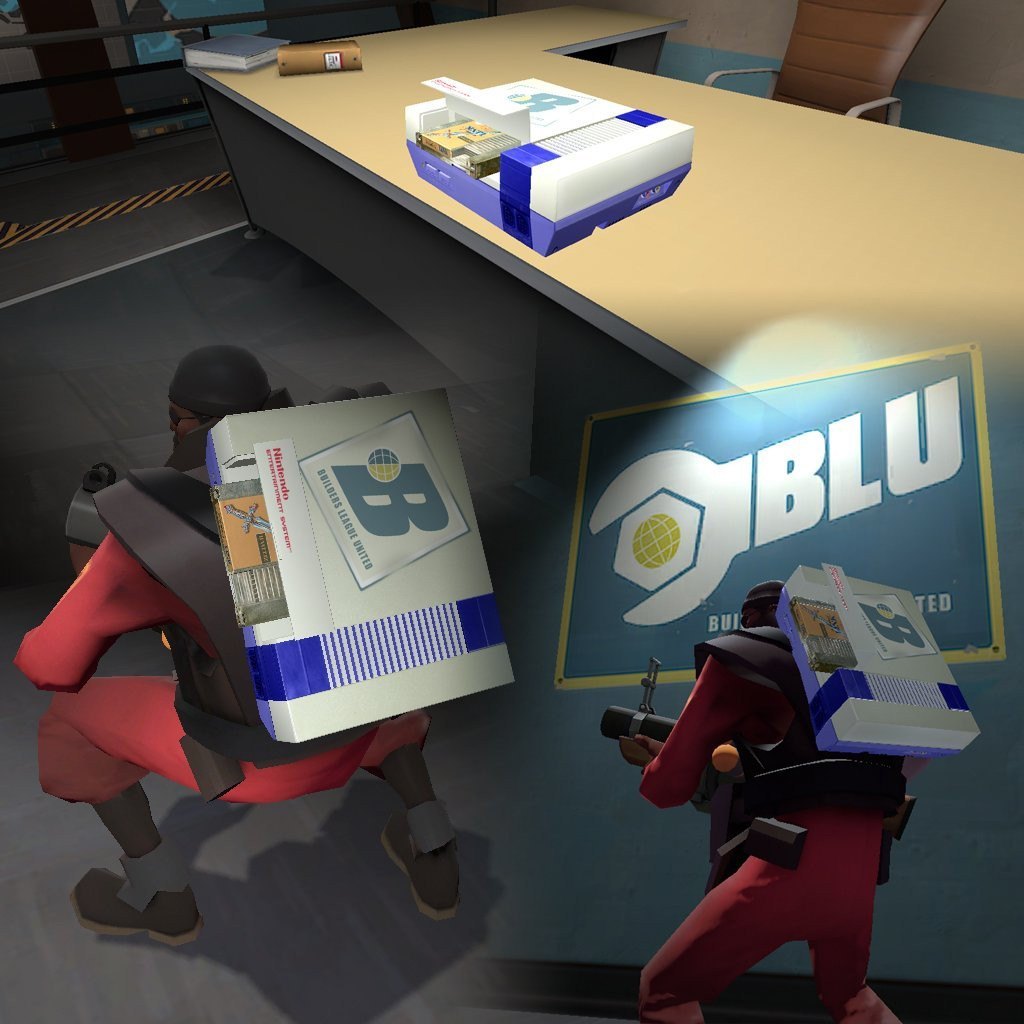
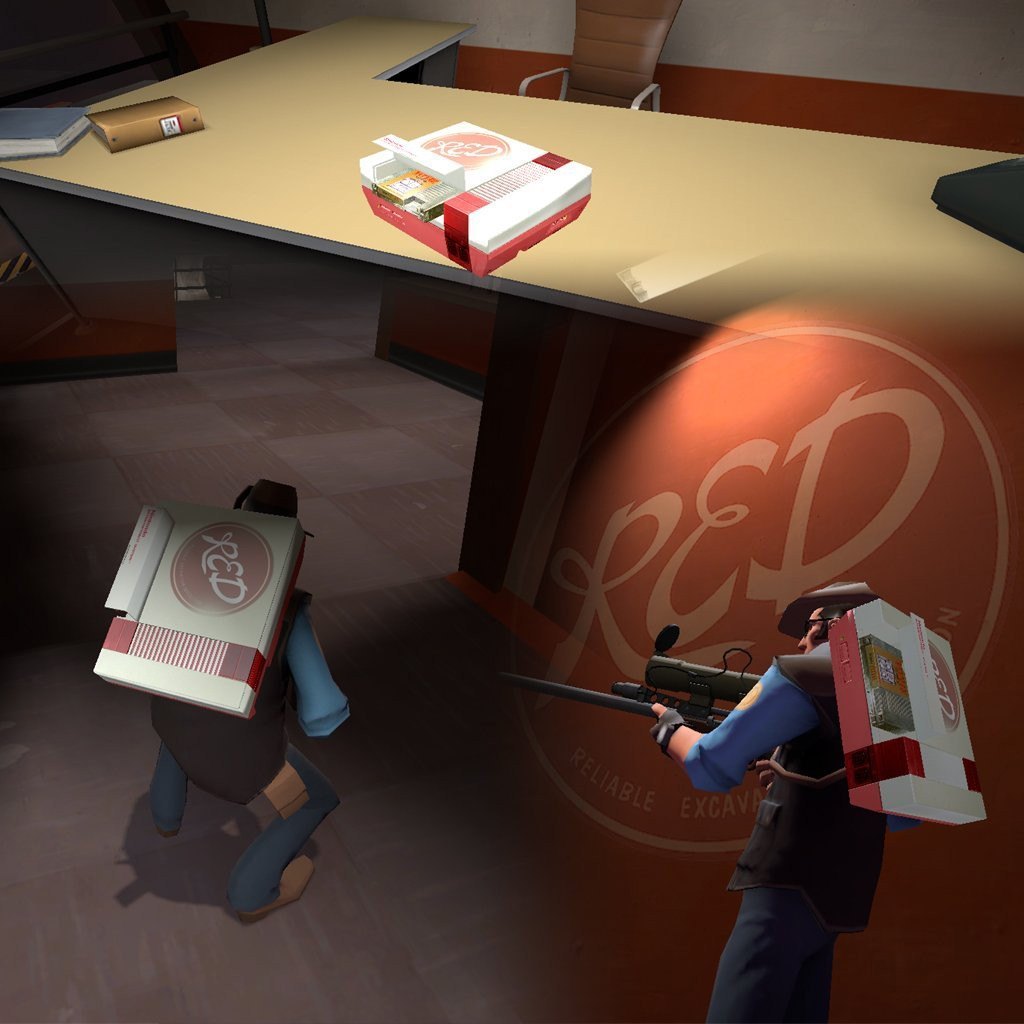
Team Fortress 2 Colors + Team Stickers
& Original Nintendo Entertainment System Console Colors
Additional High Res Screenshots
LoZ vs. AoL NES Console, Team Fortress 2 Intel Mod LoZ vs. AoL NES Console, Team Fortress 2 Intel Mod
LoZ vs. AoL NES Console, Team Fortress 2 Intel Mod LoZ vs. AoL NES Console, Team Fortress 2 Intel Mod
installation
1) Unzip file "NES Intel - Zelda Edition.zip", and open.
2) Choose which version you would like to use, (Original Colors or TF2 Themed Colors)
3) Double-Click folder for version of choice.
4) copy the "materials" & "models" folders, and paste them into your Team Fortress 2\tf\ folder
(see example directory below)
C:\Program Files\Steam\steamapps\YOUR_STEAM_ID\team fortress 2\tf\
You are done installing. Enjoy!
TF2 Nintendo Entertainment System Intel by Nintentofu
Big Thanks to [Zd] Karuma for Original NES Console Photo Textures
NES Console Original Copyright by Nintendo Co.
Legend of Zelda & Adventure of Link Copyright by Nintendo Co.
*Need help installing or have any questions?
Feel free to PM or Message me!
Keywords: |  Add submission