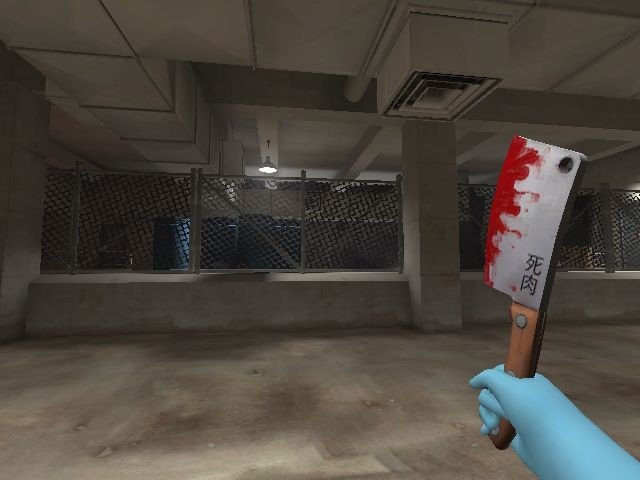
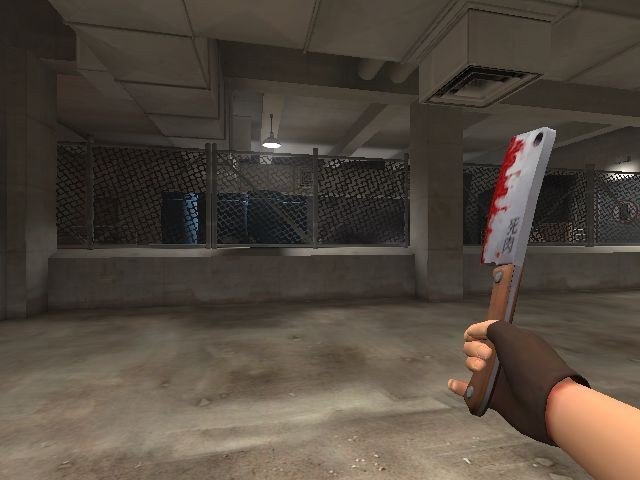
Добавил: The DSystem 2016-04-10 02:31:34 120 views Place files in Program Files(x86)/Steam/steamapps//team fortress 2/tf folder.
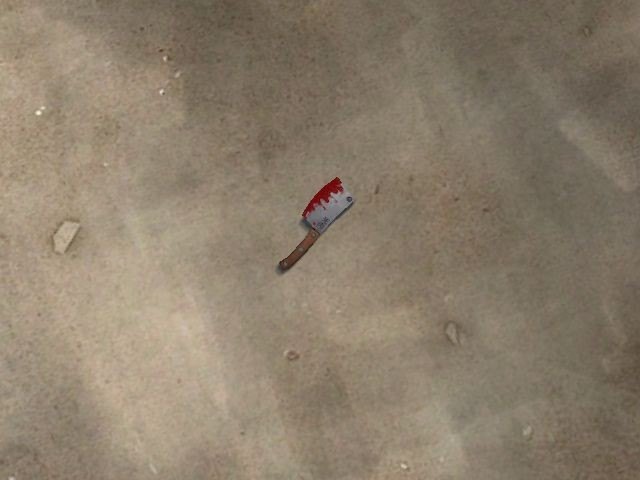
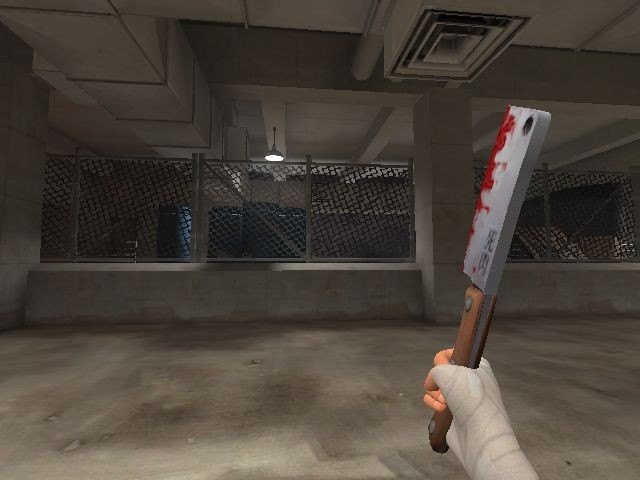
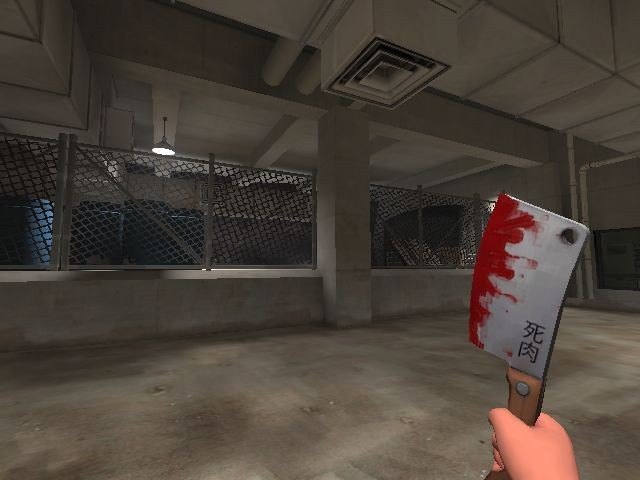
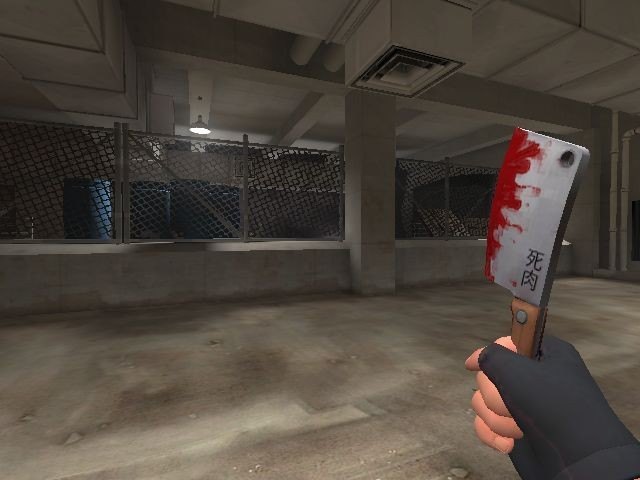
Includes the model,sound,backpack material (Cleaver Material is already being used by the original), and a resource file with a text file called tf_english that shows the name of the cleaver instead of the Frying Pan
This was a port, I do not own anything, all credit goes to Valve.
I don't recommend you placing tf_english.txt in the tf/resource folders. New items in updates will be called "Unknown Item", if you don't want it, just don't copy the resource folder to the tf folder.
And one other thing, RED has clean cleavers, and BLU has bloody cleavers, I cant fix that unless I alter the blood texture to match the clean one, and that would affect The Flying Guillotine's Thirstier Style.
Keywords: |  Add submission