Добавил: The DSystem 2016-04-09 22:31:03 101 view INSTALATION:
1. Extract zip folder.
2. Pick which weapon you want to replace in their respective folders.
3. Drag the containing "tf" folder into your Team Fortress 2 folder...
Usually for Windows:
C:\ProgramFiles\Steam\steamapps[username]\Team Fortress 2\
4. Click "Yes to All" when prompted.
Also includes backpack icons.
Update 1.01:
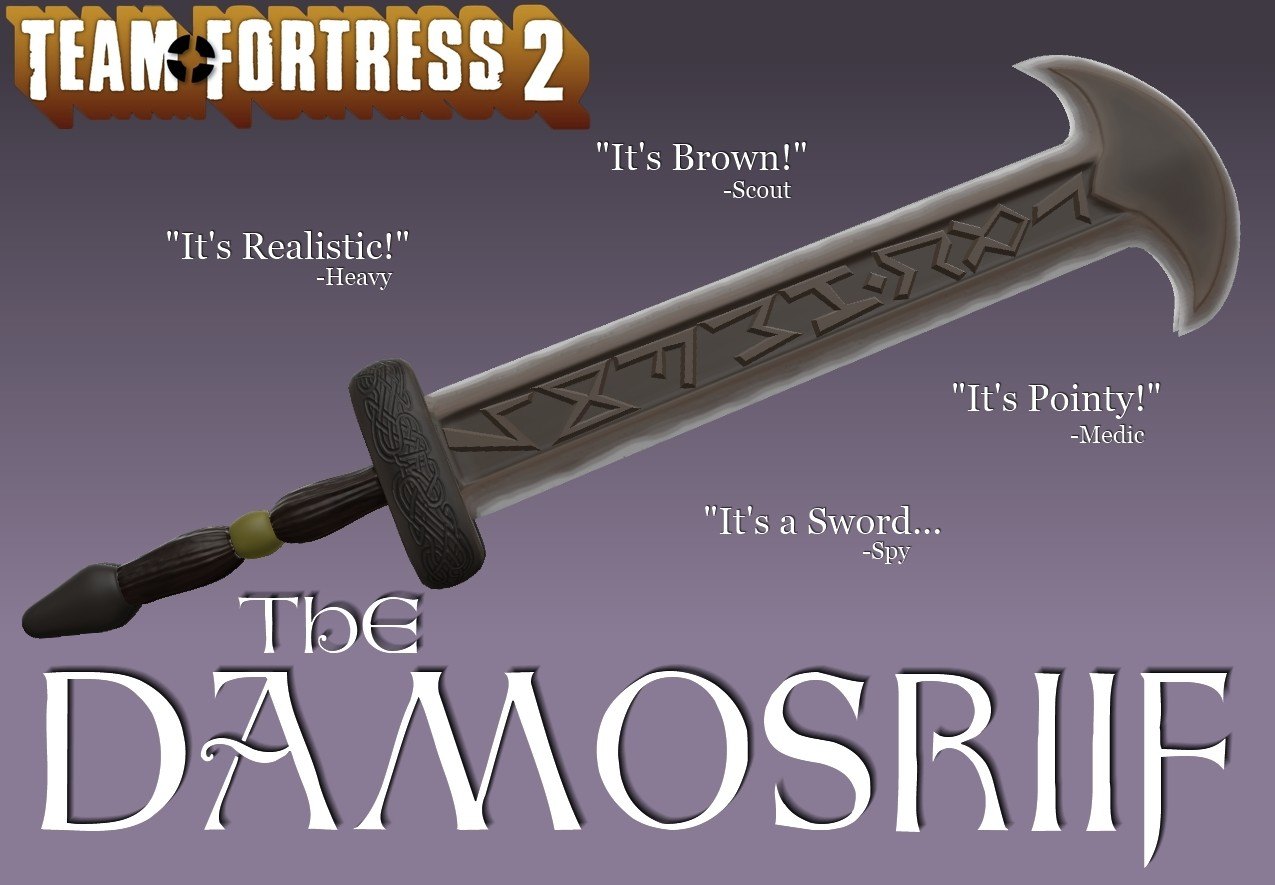
-Changed name to Damosriif.
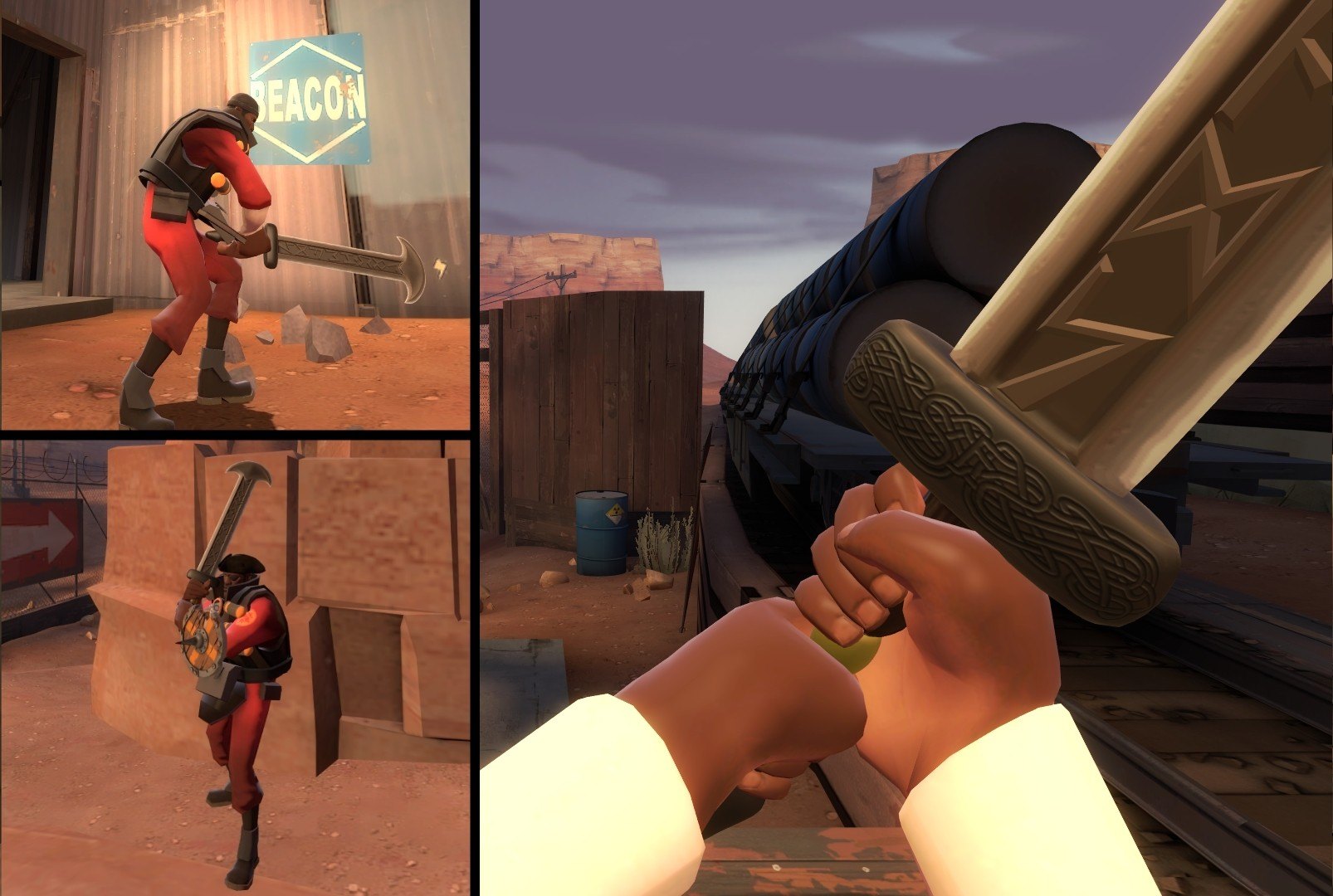
-Added normal mapping to hilt/guard.
-Updating engraving.
Known Issues:
-Physprop improperly rigged.
-Tip of the blade for Eyelander replacement clips with hand while taunting. (cannot be fixed)
Keywords: |  Add submission