Добавил: The DSystem 2016-01-23 19:05:21 80 views I'm uploading all my stuff from Facepunch so...
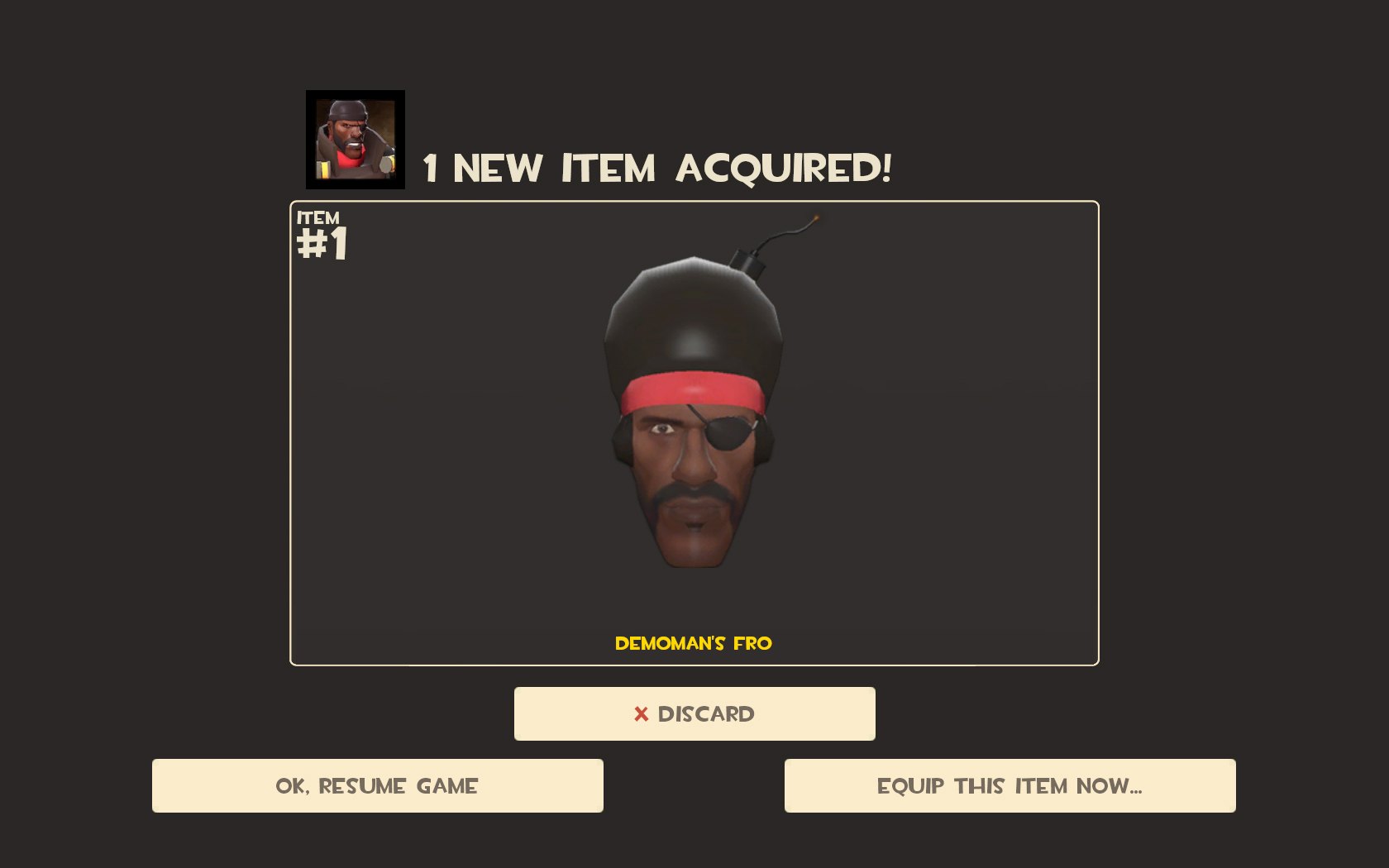
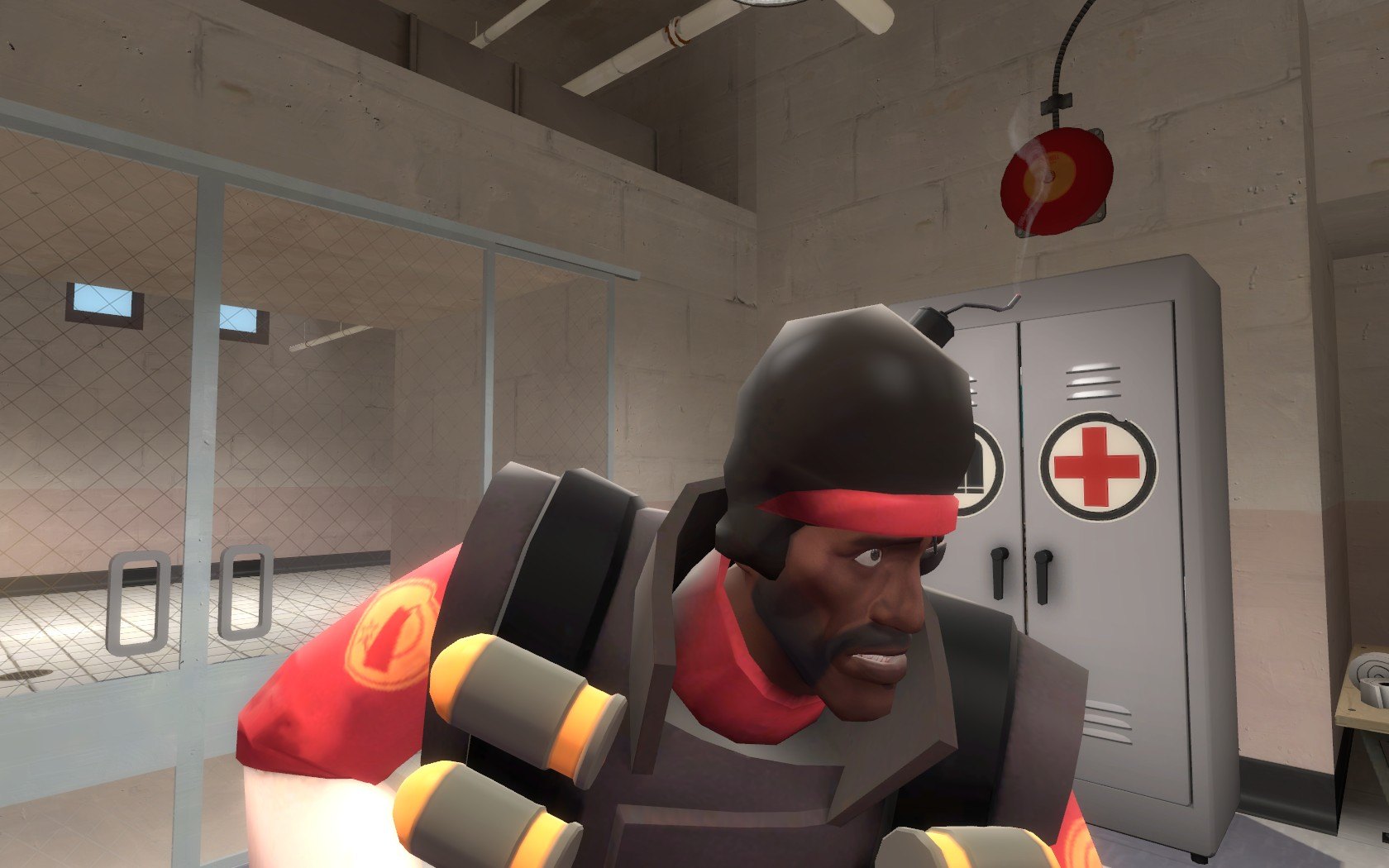
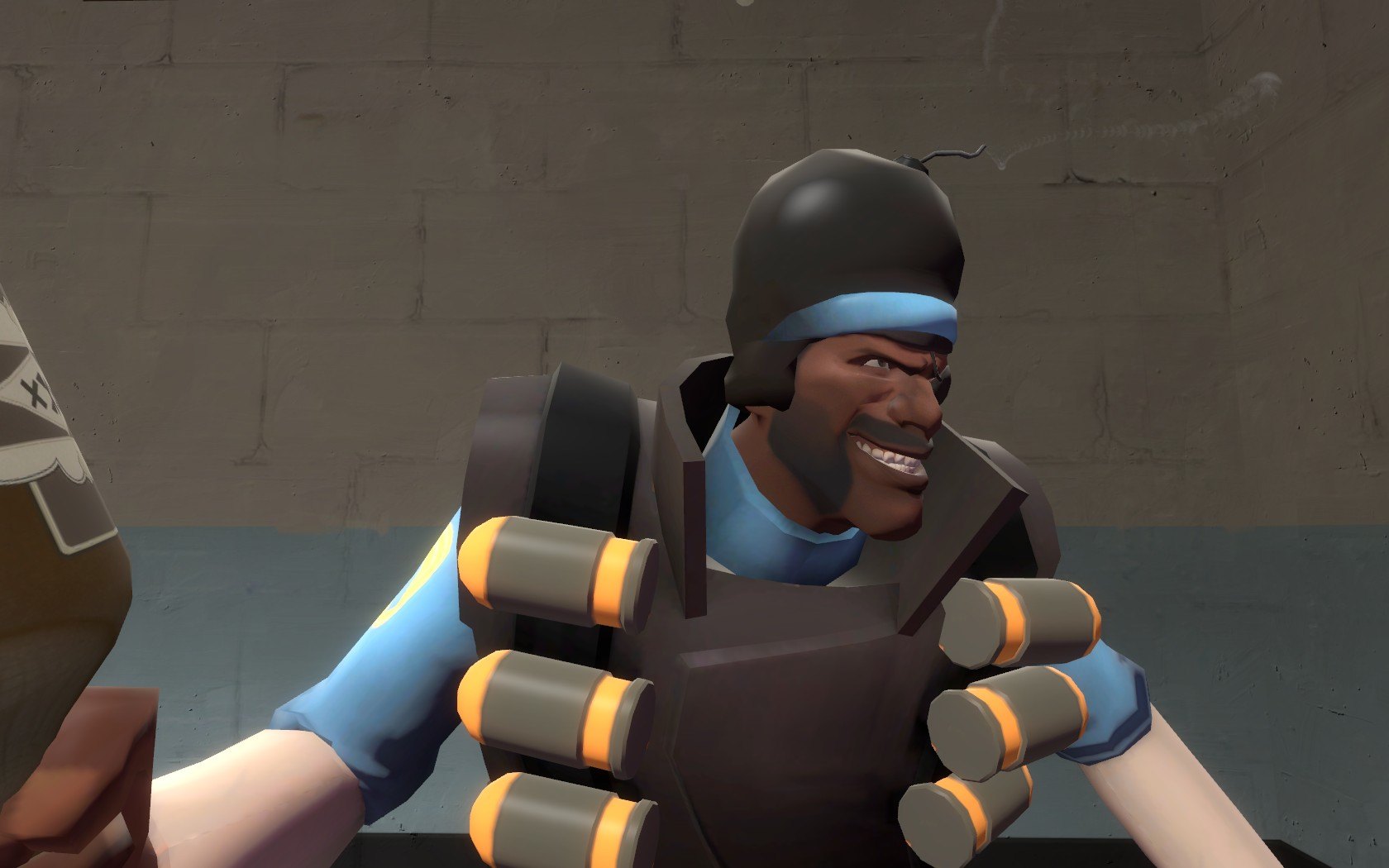
The demoman has turned his hair into a stylish bomb, and I have to say, he looks absolutely dashing.
This can replace any demoman hat.
Here's a readme:
Read me before you complain about anything!
Installation Instructions (Team Fortress 2):
1) Choose which hat you want to replace.. Open the appropriate folder.
2) Drag and drop the "Models" and "Materials" folder into "Steam/SteamApps/Username/Team Fortress 2/tf/".
3) Run the game and put on your hat.
4) It won't be obvious to you until you go into third person mode, but you now look absolutely dashing.
Note: The GhastlyGibus and BillsHat versions don't include a replacement icon.
Keywords: |  Add submission