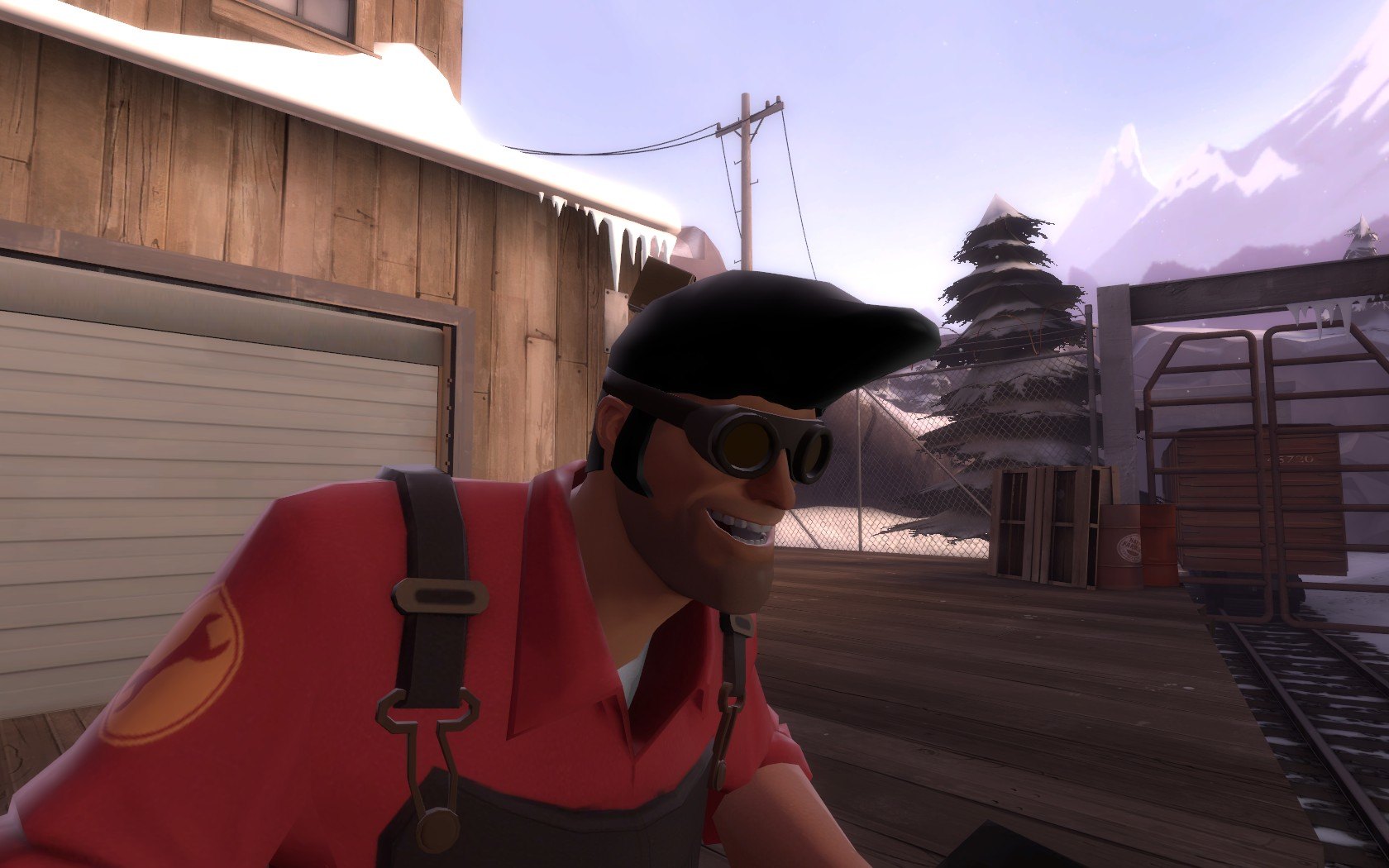
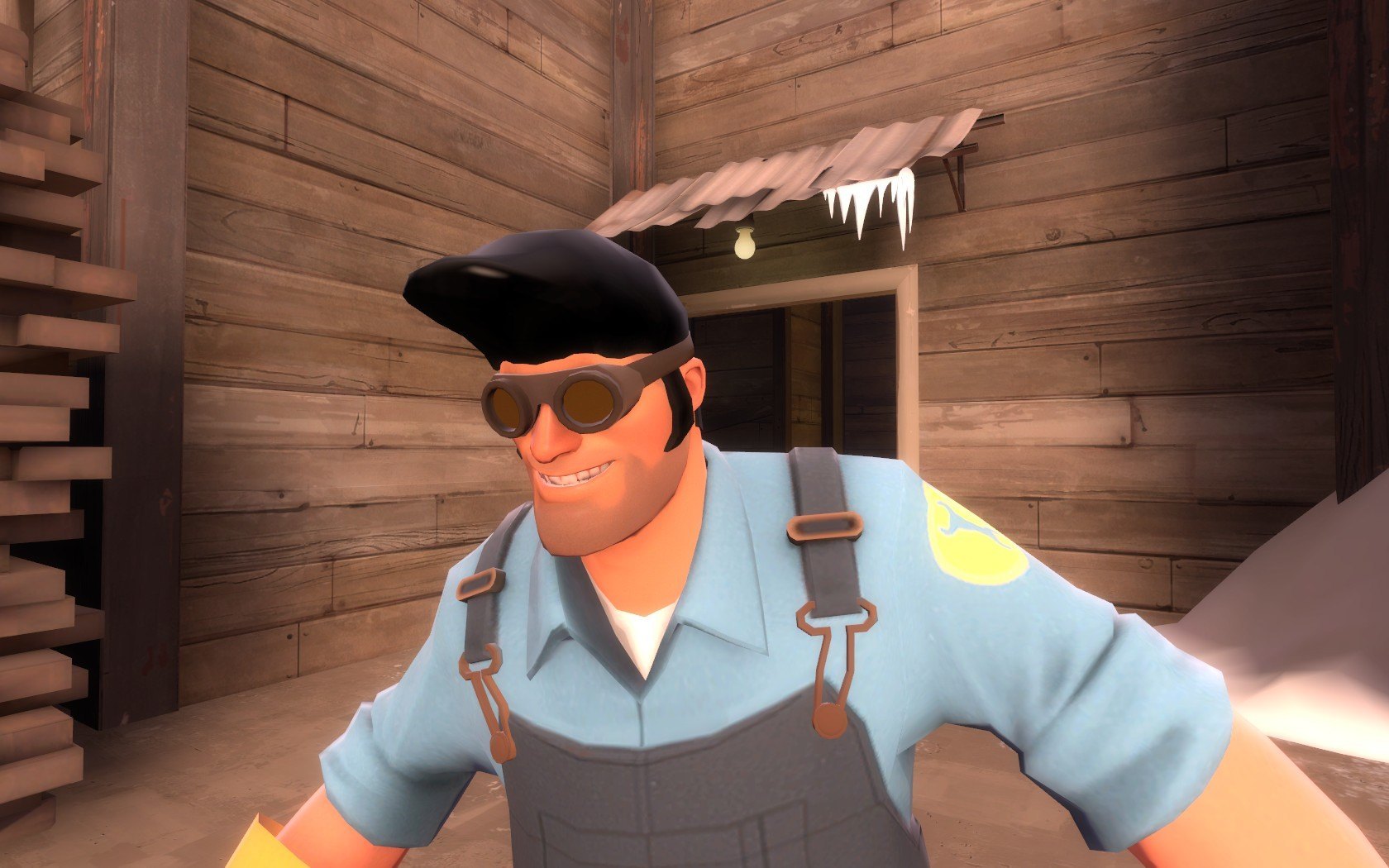
Добавил: The DSystem 2016-01-23 19:06:50 101 view Update: Now with jigglebones and fine-tuned texture
One day the engineer realised how stupid his bald head looked, so he got himself a wig.
It replaces any engineer hat except the Miner Light (unfortunately)
Here's a readme:
Read me before you complain about anything!
Installation Instructions (Team Fortress 2):
1) Choose which hat you want to replace. Open the appropriate folder.
2) Drag and drop the folders "Materials" and "Models" into "Steam/SteamApps/Username/Team Fortress 2/tf/".
3) Put on your cool hair and taunt.
4) You're one of the cool kids now.
Note: The GhastlyGibus and BillsHat versions don't include a replacement icon.
Keywords: |  Add submission