-----------------------------------------
Missed one of the folders in the rar, causing the model files not go wherever they were supposed to. Updated the folder hierarchy to fix that. All the model files should go to "\Steam\steamapps[SteamUsername]\team fortress 2\tf\models\player\items\pyro"
UPDATE
V2: -Changed the materials location to be more friendly with sv_pure servers.
Just install again in top of the old hat.
-----------------------------------------
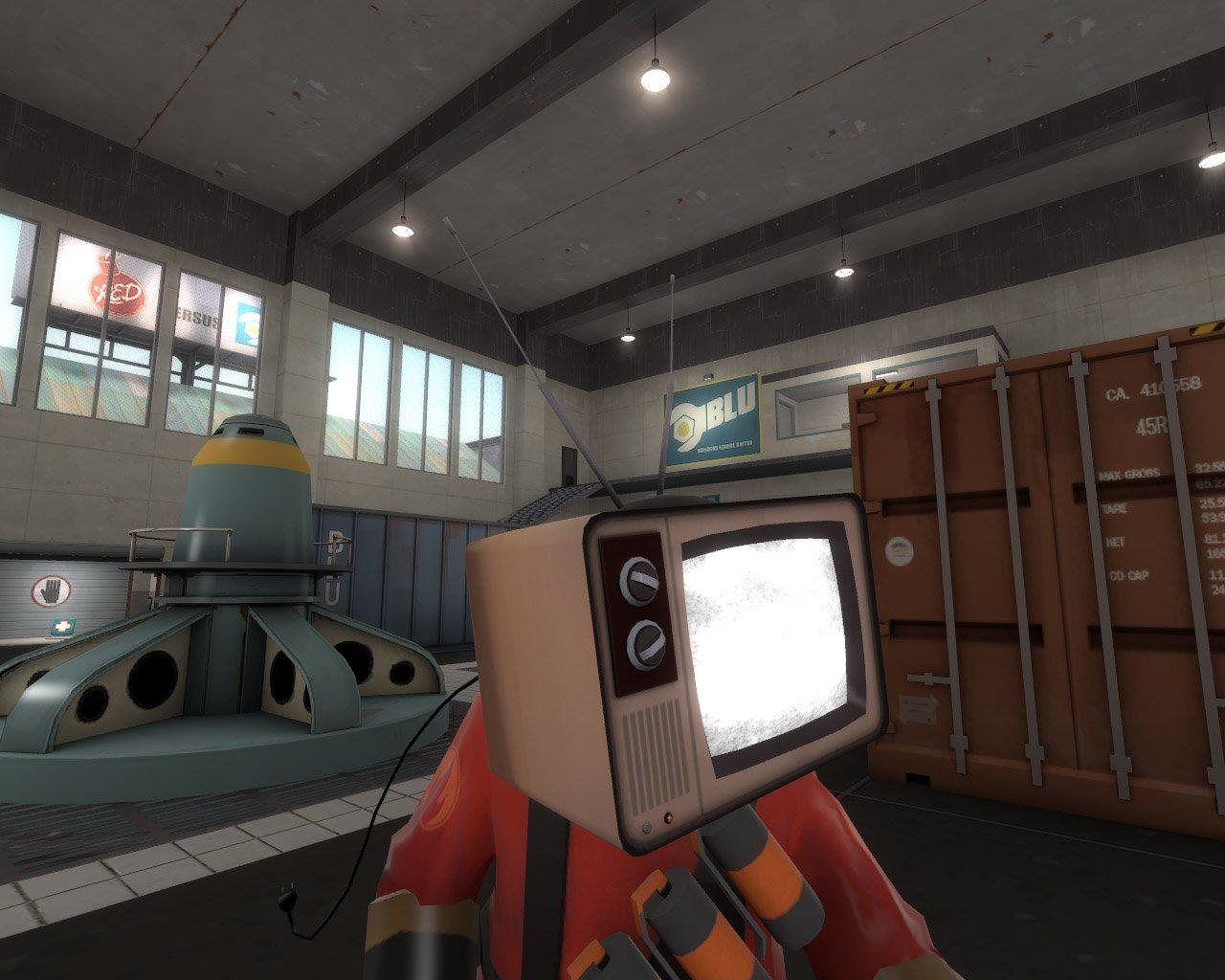
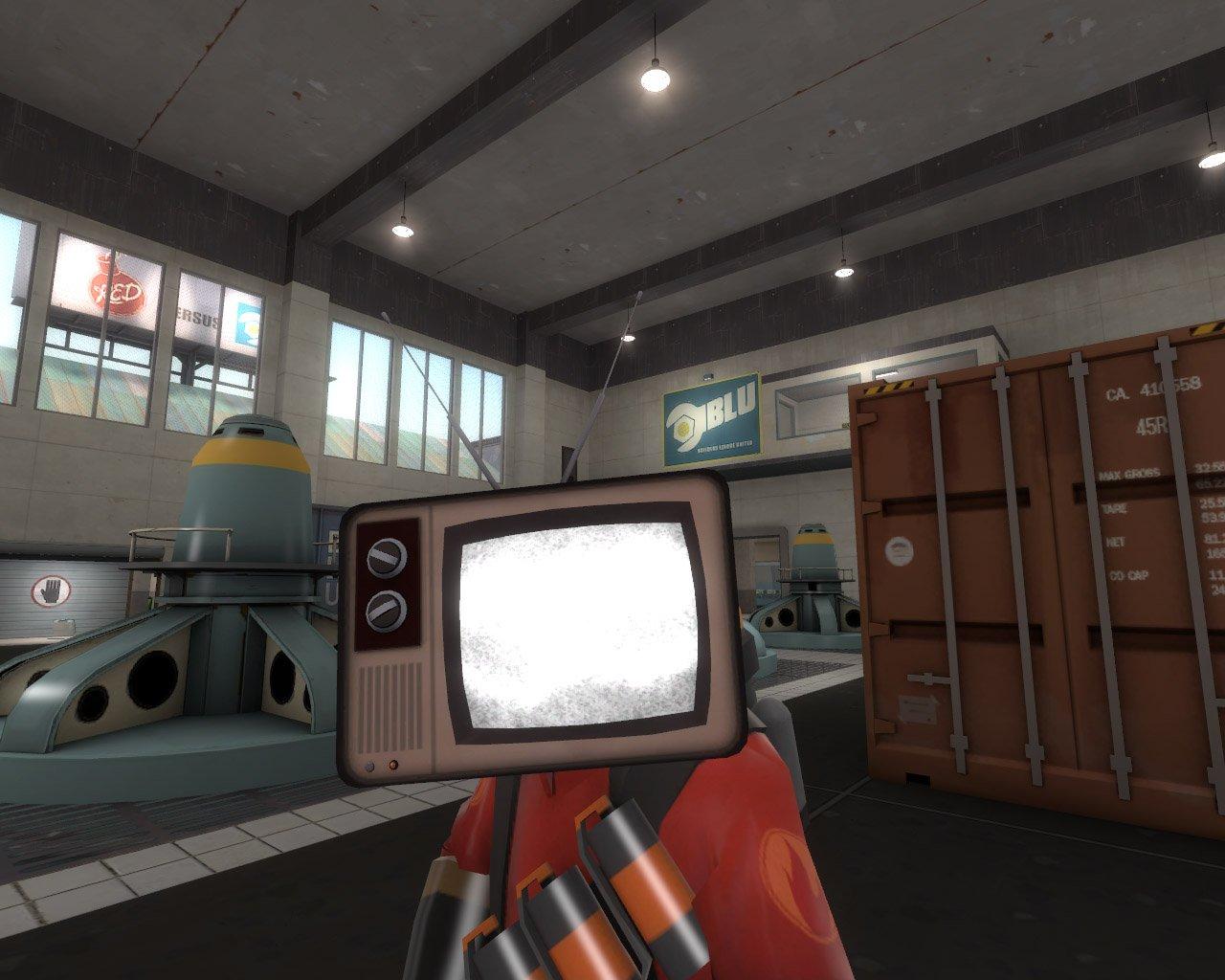
Replaces all Pyro hats.
The TV from the team selection menu, with jigglebones and animated textures.
Installation instructions
Unrar the "materials" folder inside the "\Steam\steamapps[SteamUsername]\team fortress 2\tf" folder.
Depending on the hat you want to replace, unrar the "models" folder inside their respective folders in the "\Steam\steamapps[SteamUsername]\team fortress 2\tf" folder.
 Add submission