Добавил: The DSystem 2016-04-09 19:39:15 57 views
An update will be released soon for the "bright" bp icons... Didn't made cause I had to do other stuff today. Stay focused
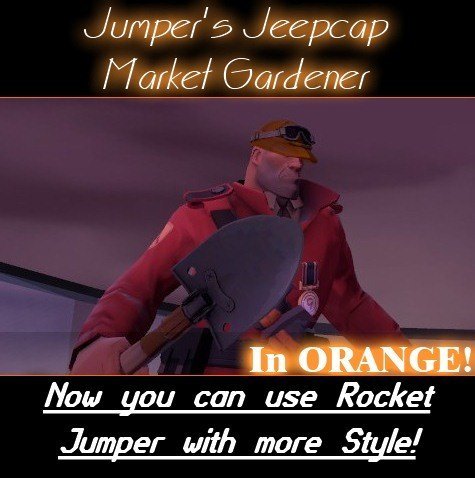
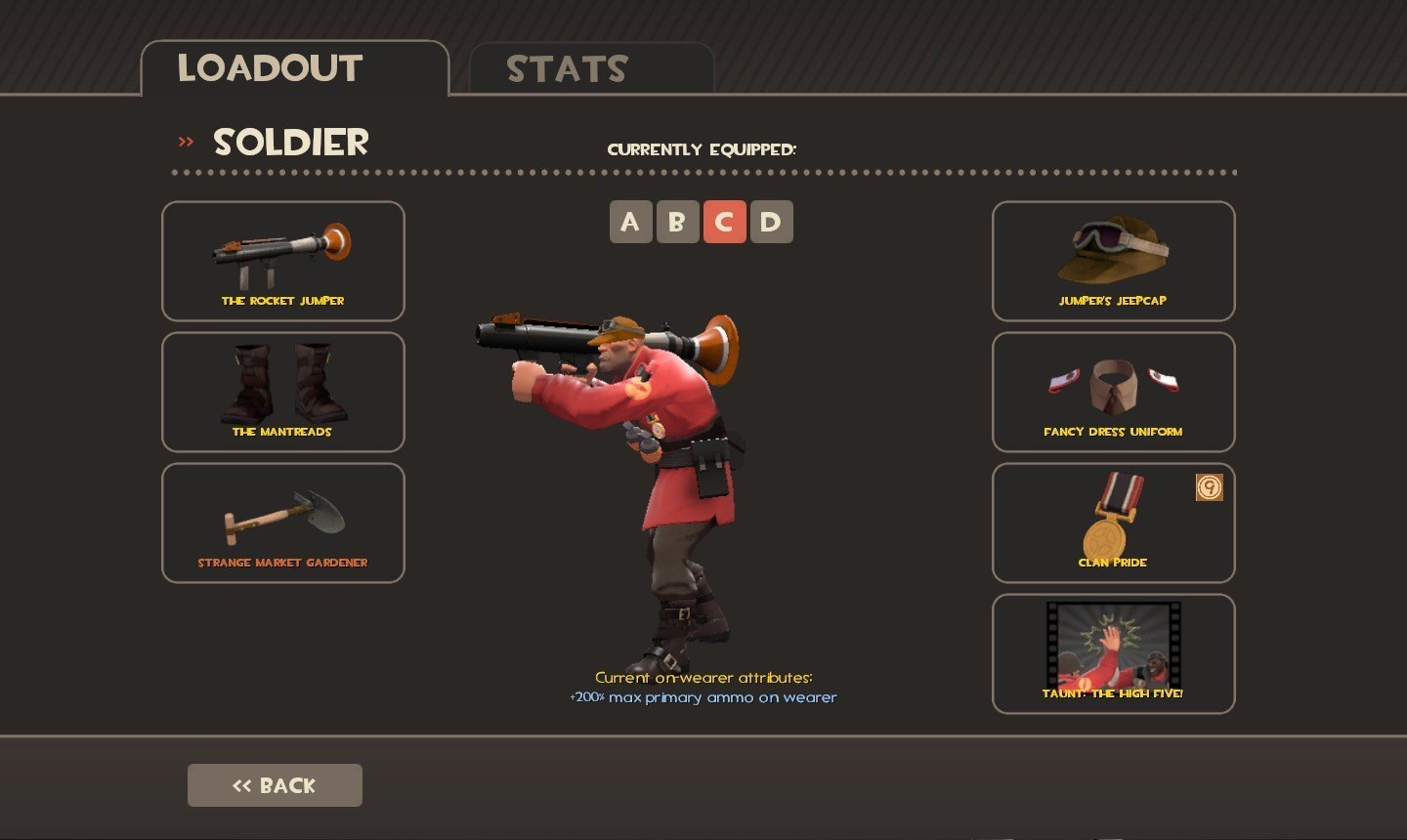
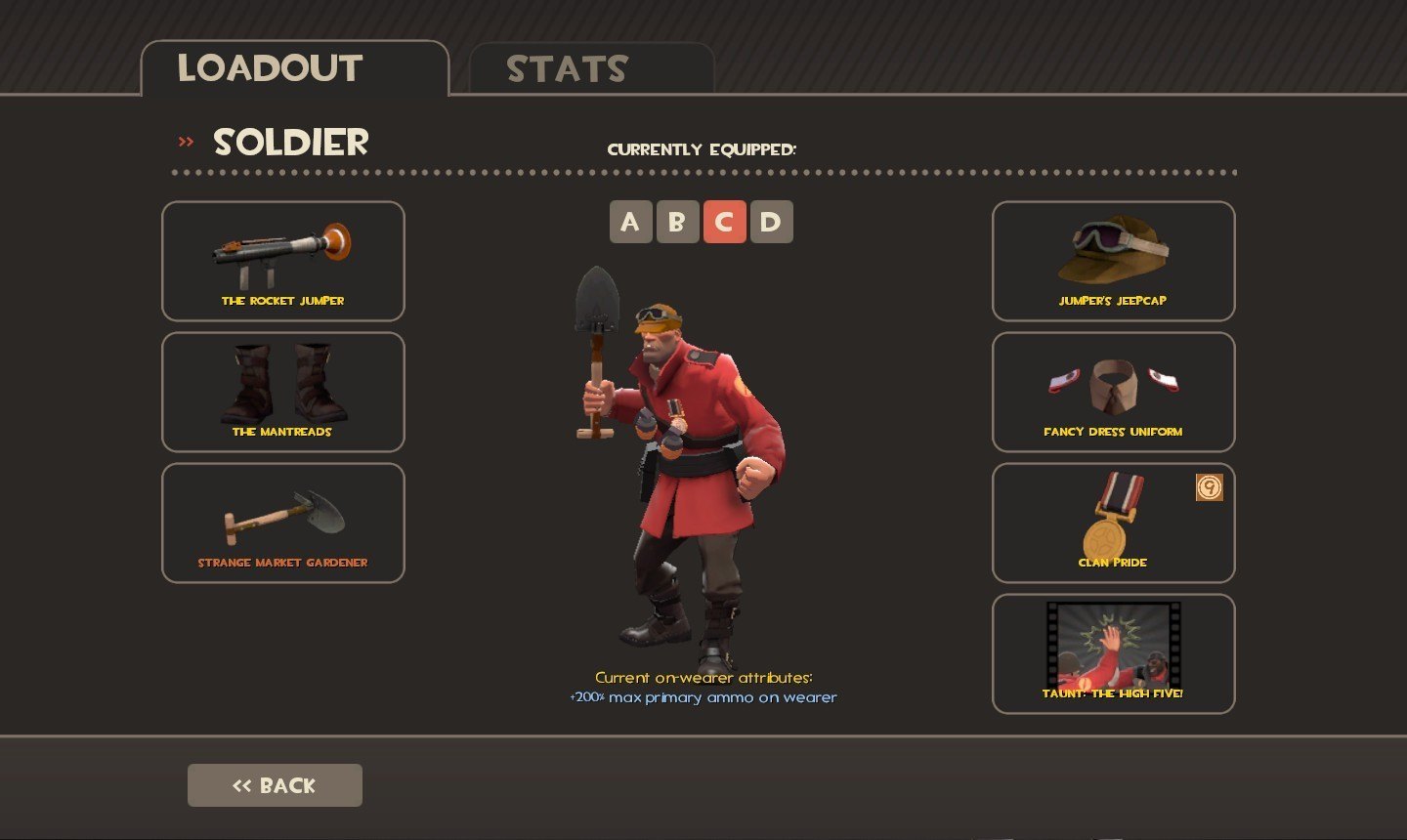
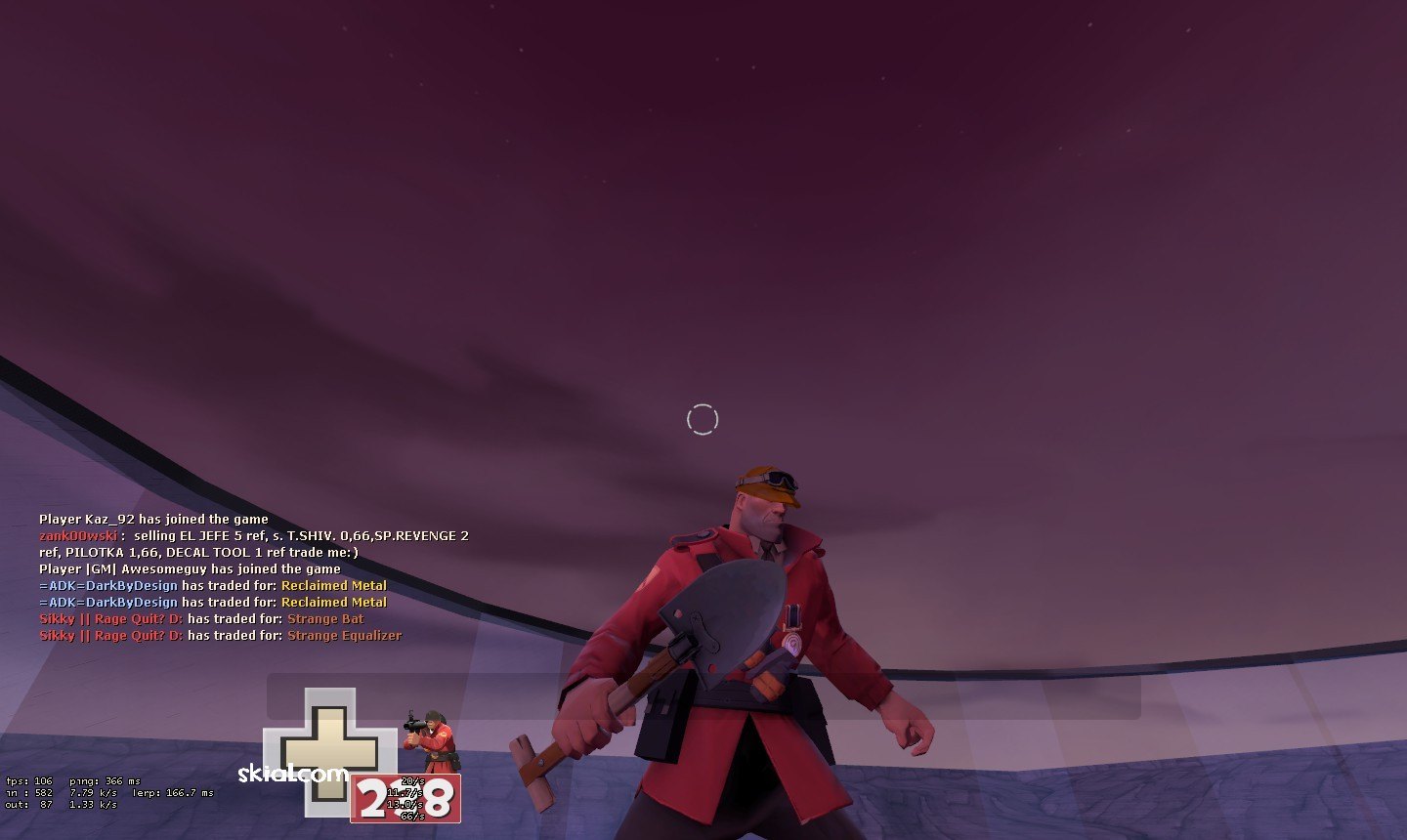
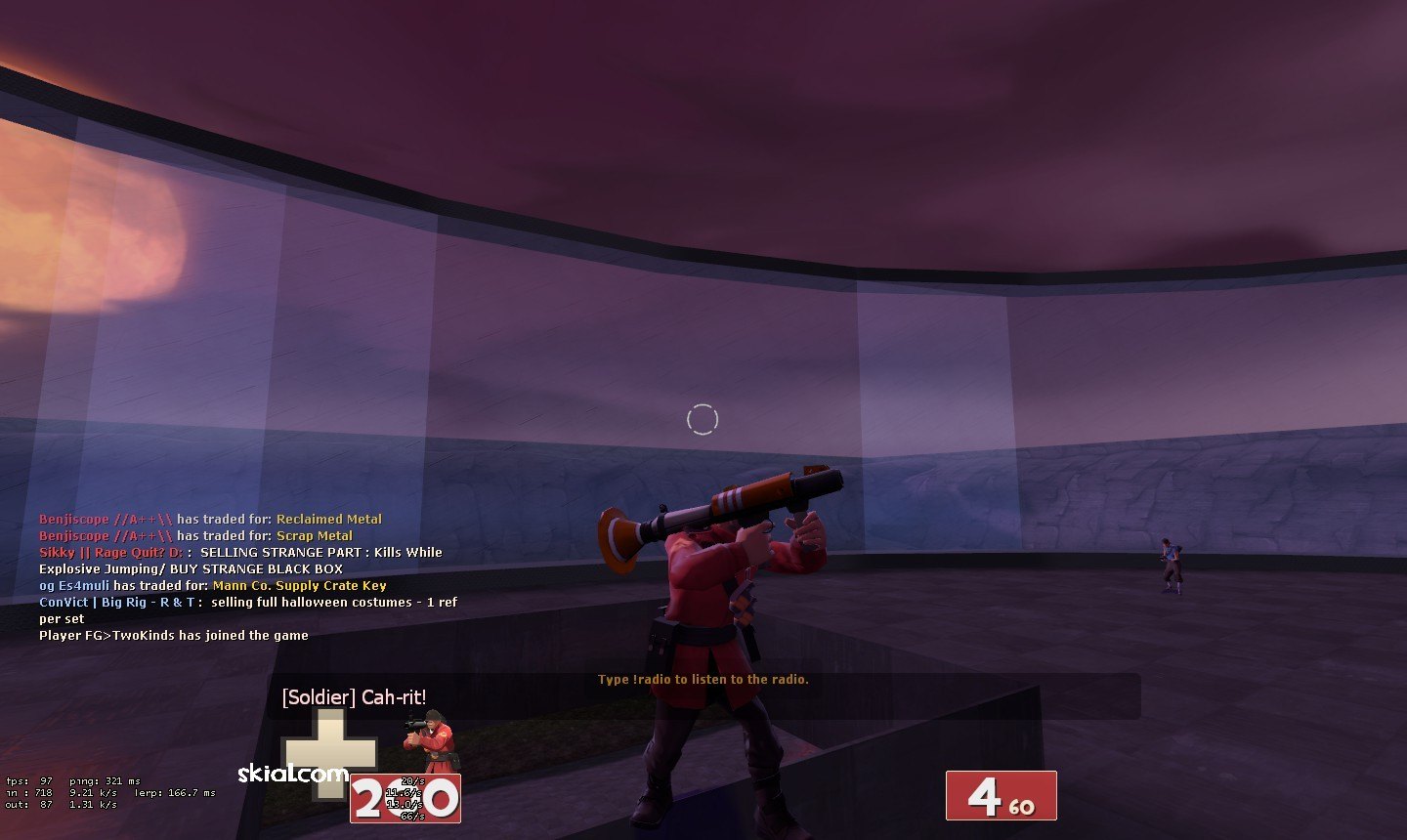
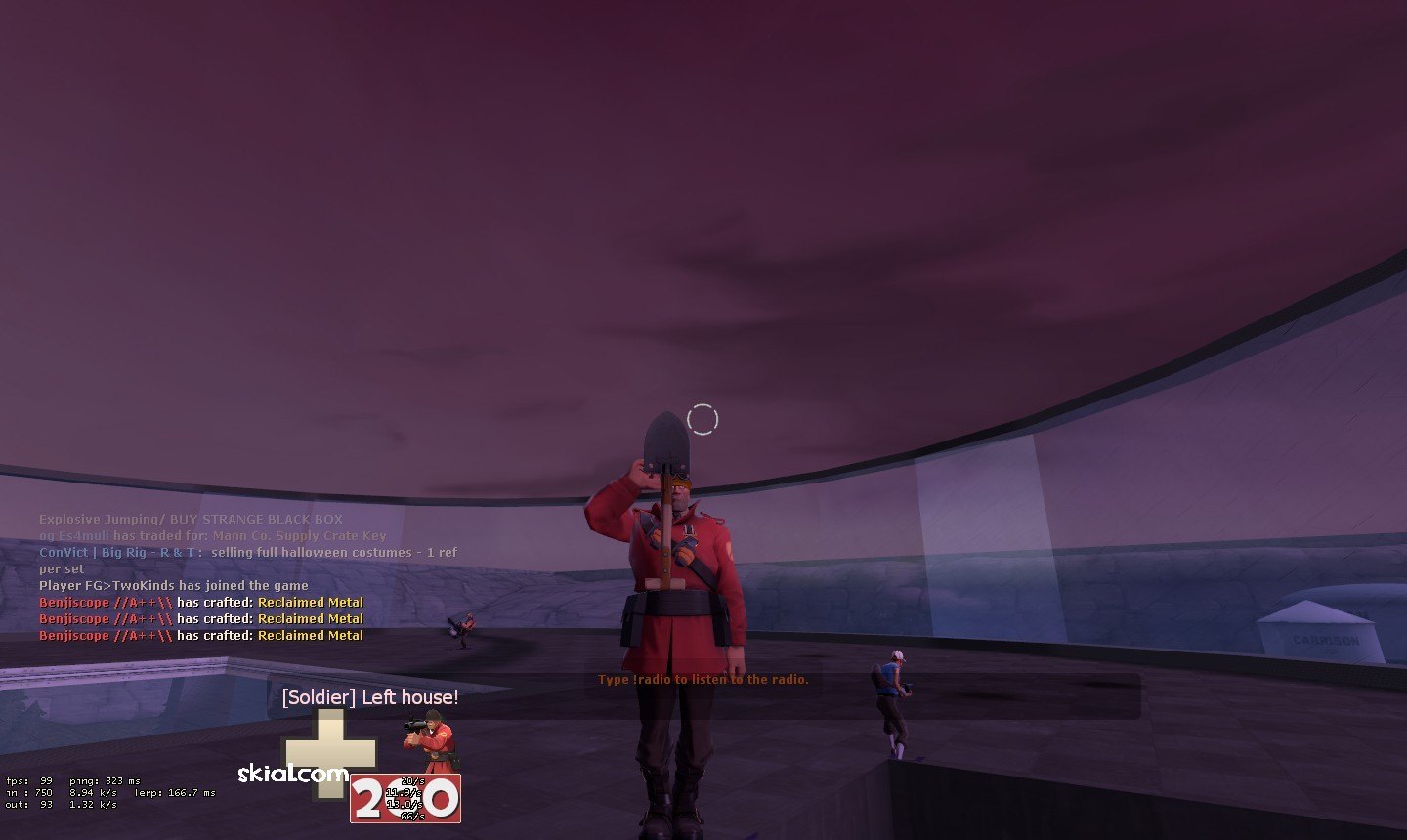
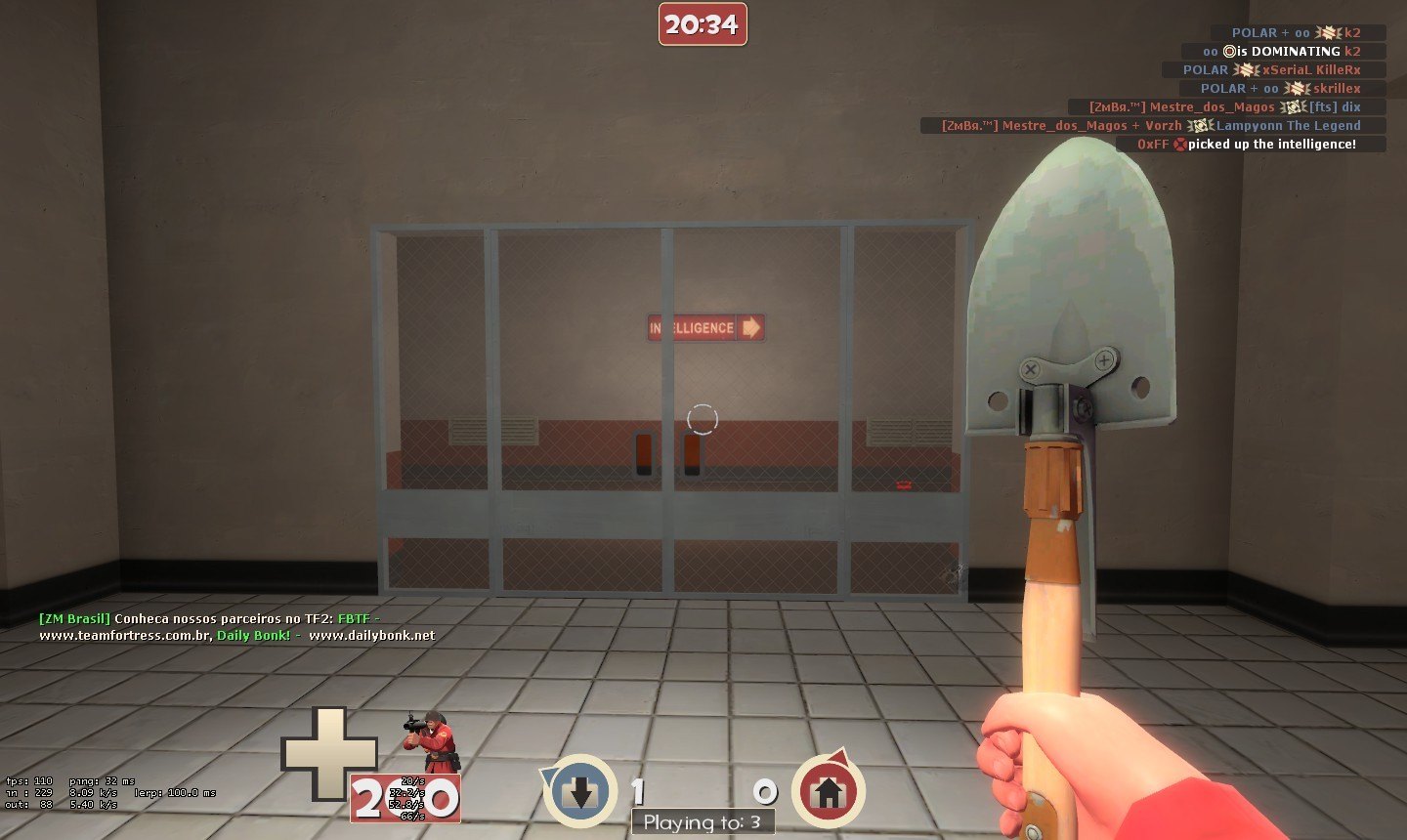
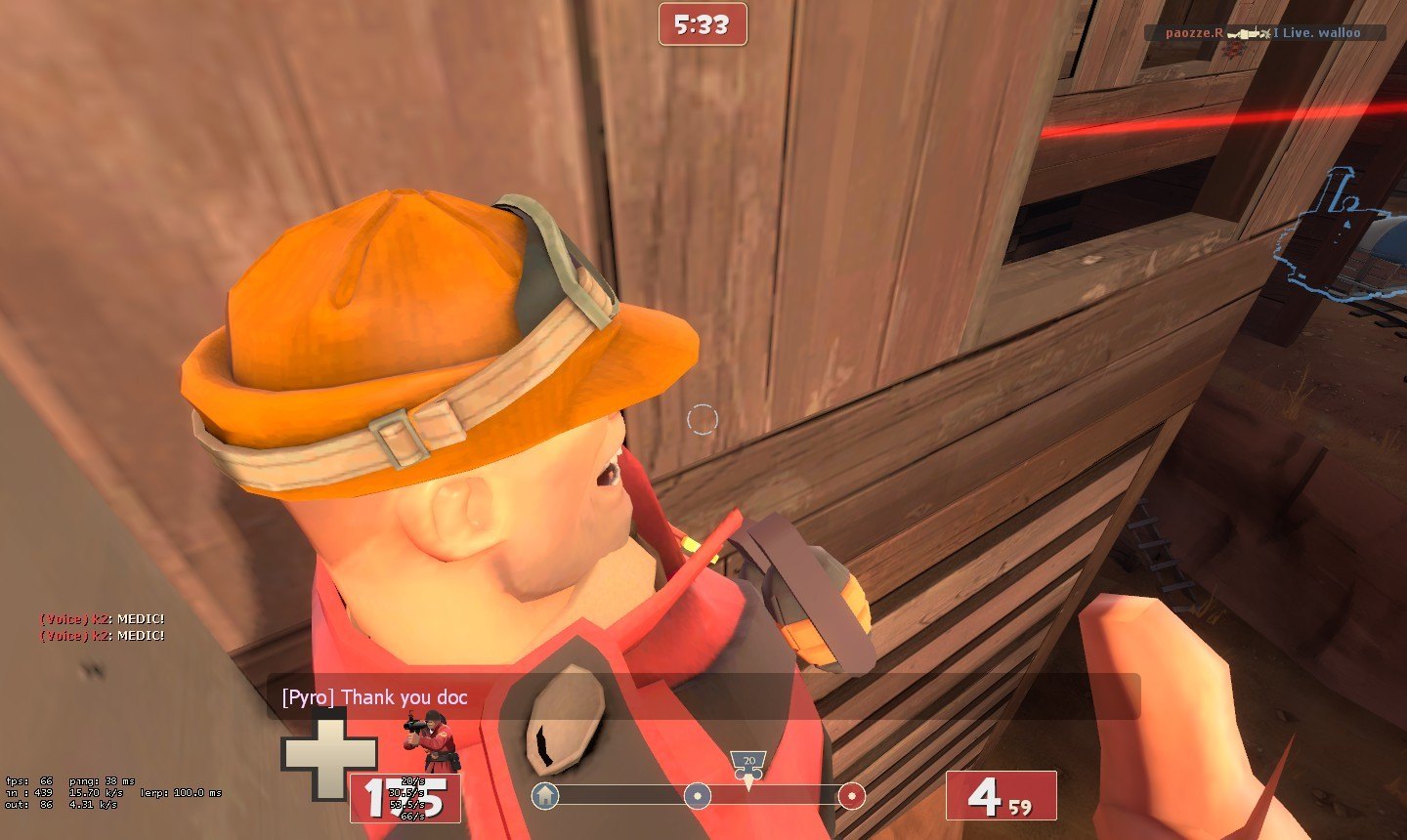
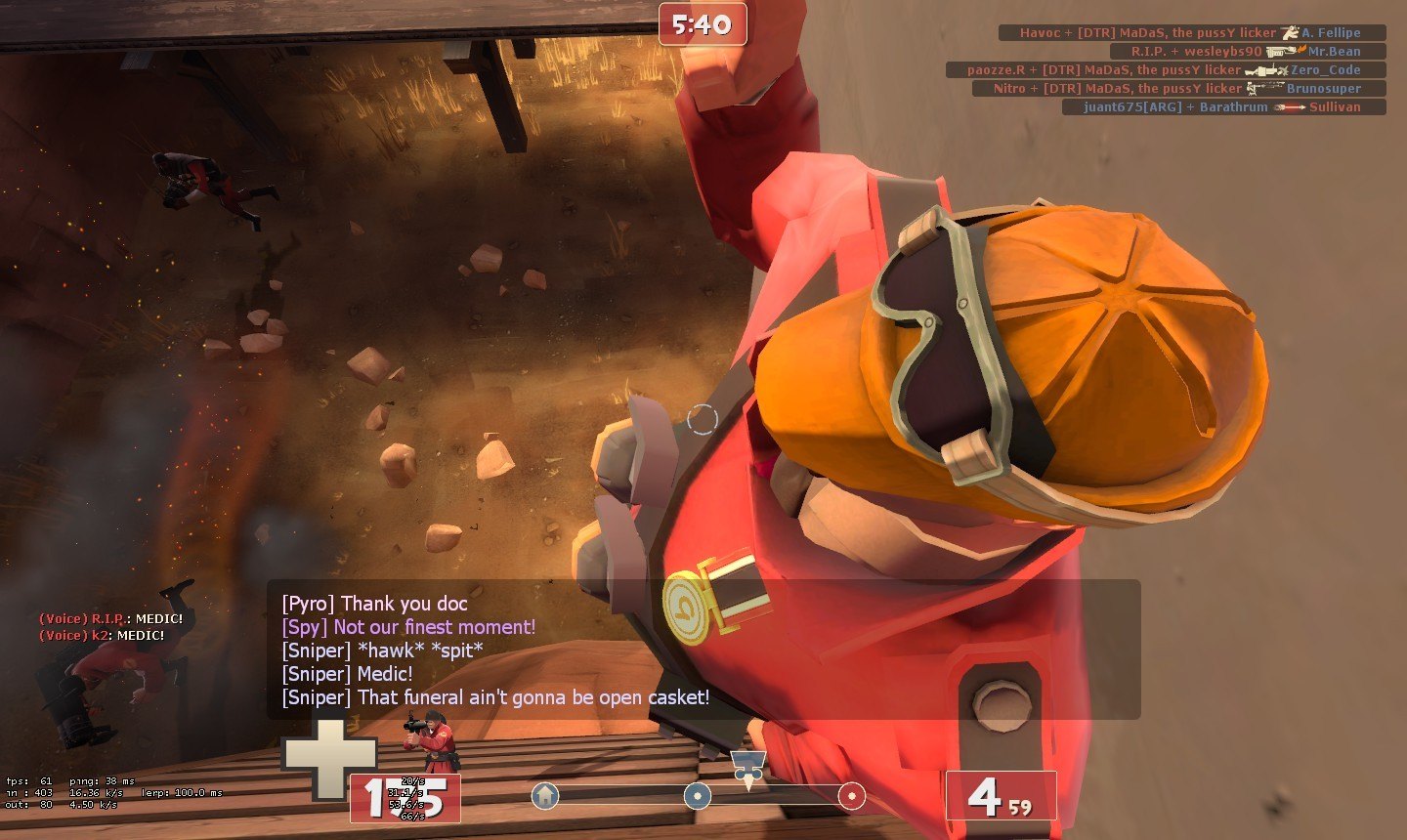
note, the images shows up the BRIGHT Setting!!!
extra notes: If this get popular, I do the whole Airborne Armaments in Orange!!!
Notice that the little green part gray part is the glasses :)
Made up in 30mins. Was kinda nervous to sometimes not working by some errors of mine, but Enjoy!
How to use: Extract the ZIP, choose which type you want, Brighter or Darker, than, go to where your steam is (default directory is C:/Program Files/Steam). Go in there, and open the Brighter or Darker place and you'll see a "tf" folder. Than, go into "Steam/steamapps/your steam username here/tf", just move the tf into the one in your steam one to merge onto it.

*if is according to rules*
Keywords: |  Add submission