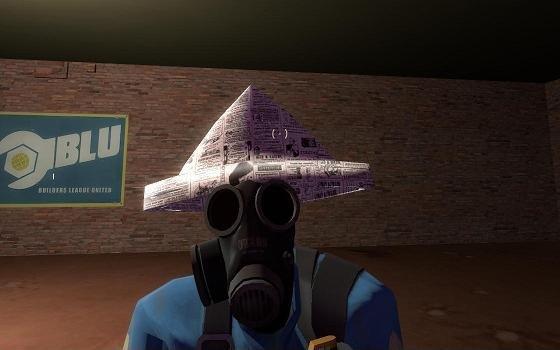
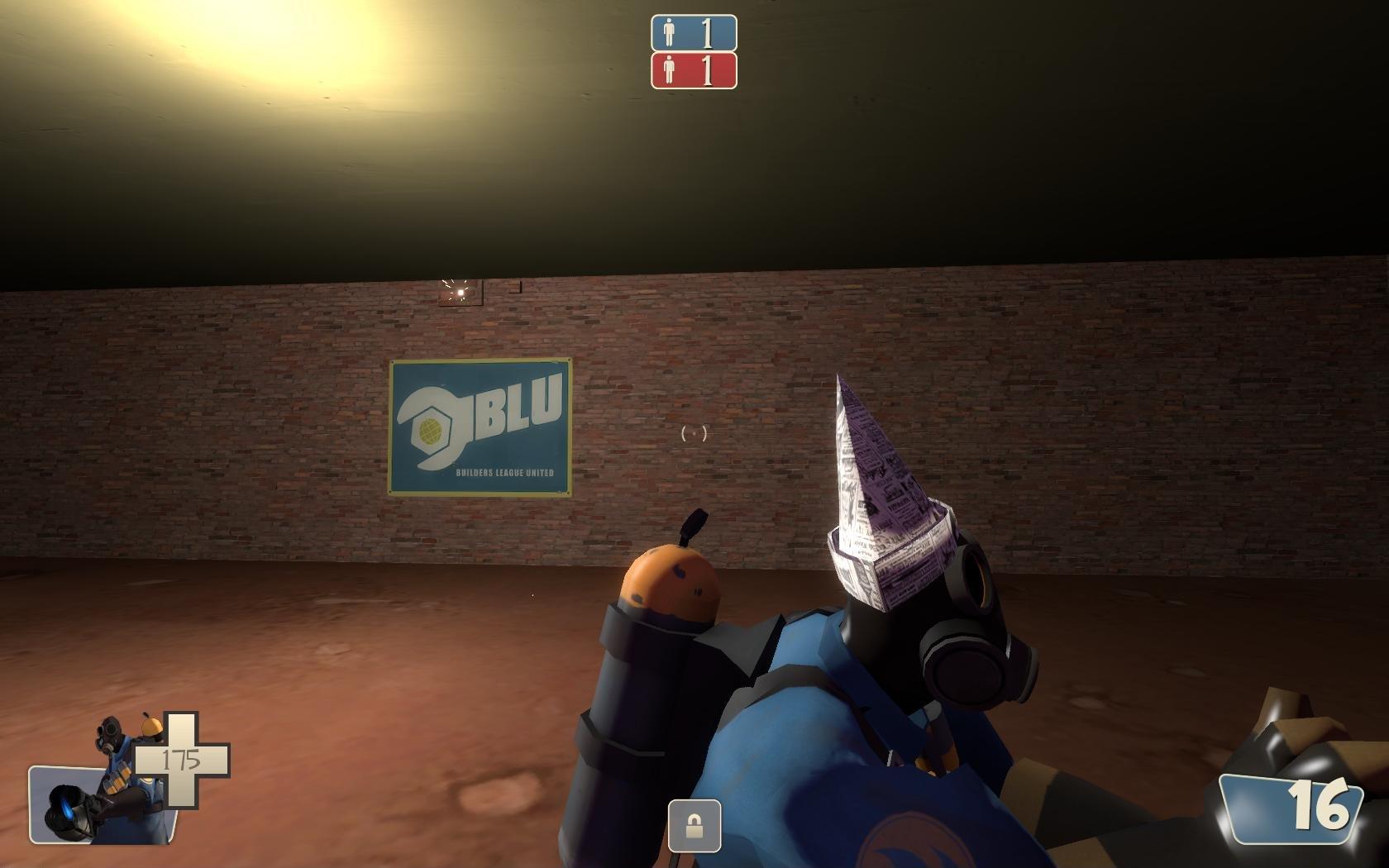
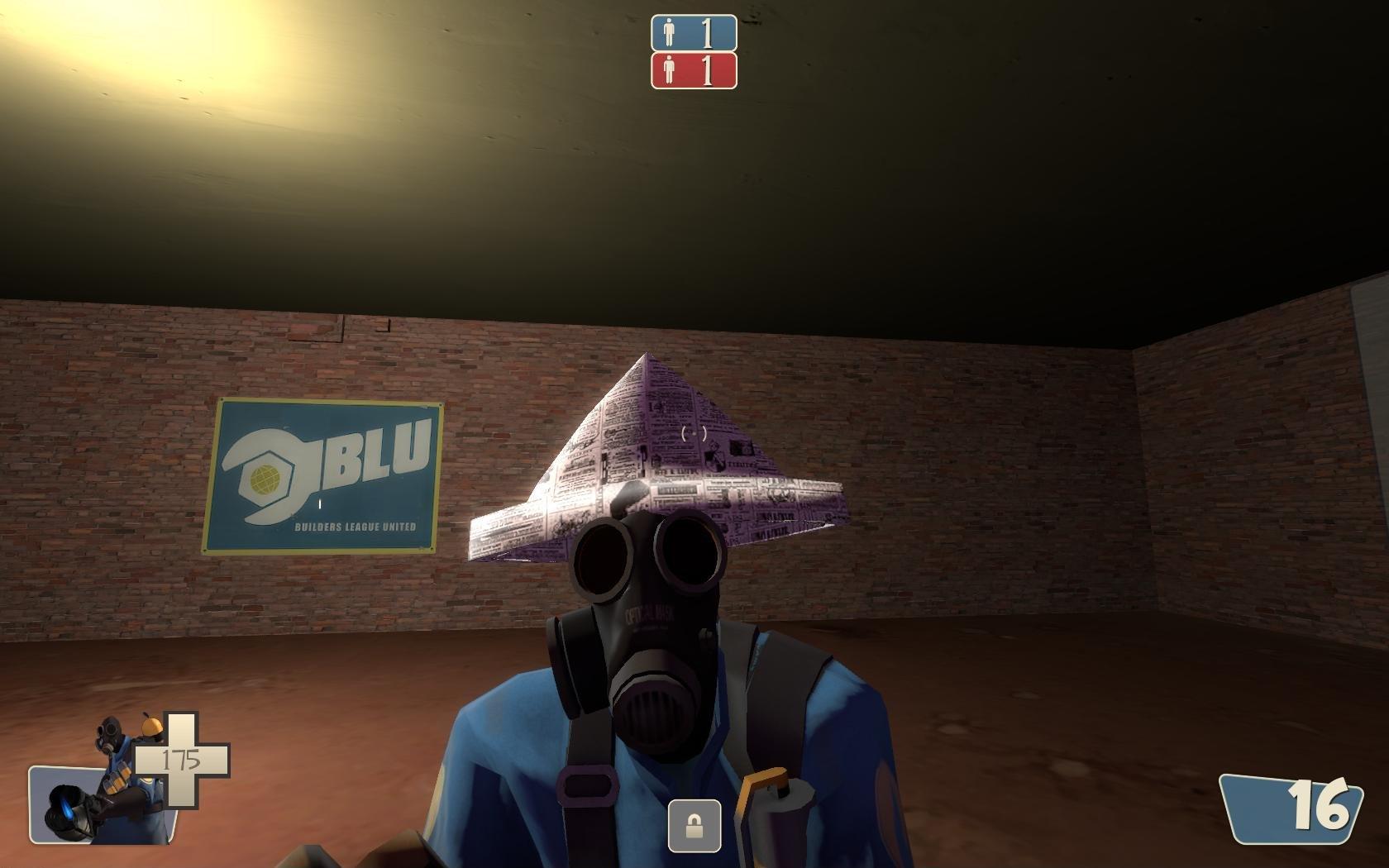
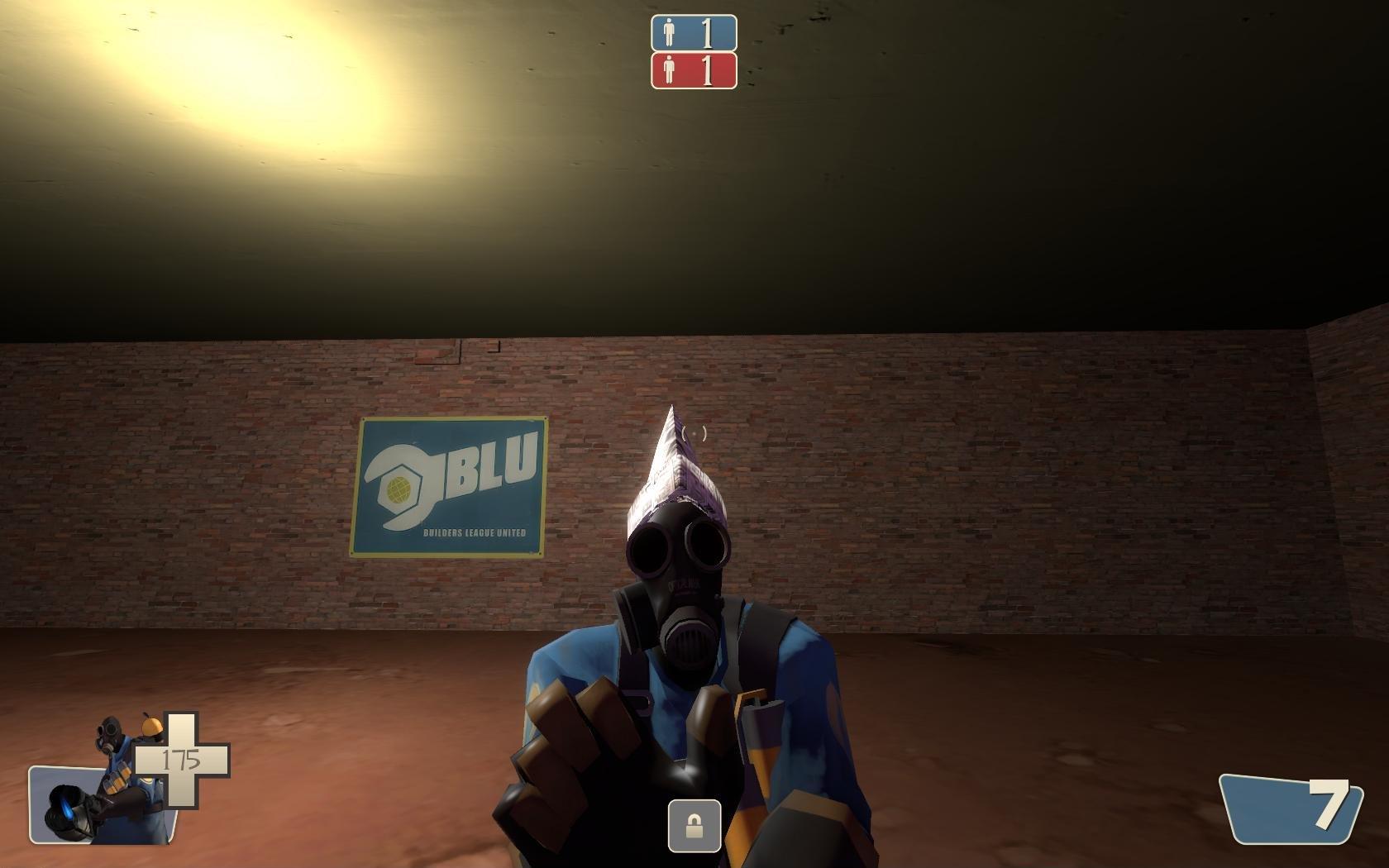
Добавил: The DSystem 2016-01-24 05:46:41 87 views Info: My first attempt at making a hat for tf2. I've updated the model since i've gotten a little more experience, because the model was pretty sad originally. However, now I think it looks at least decent.
Installation: There are two versions, which you can see in the screenshots.
- Pick which hat you want it to replace. 9currently the only options are the pyro's ghastly gibus, and the pyro's severed Max head (Sam and Max hat))
- Pick the version you want.
- Extract the models folder for whichever version you want into your tf folder under Program Files\Steam\steamapps\username\team fortress 2
- Go back to the first folder in the zip (where you chose which hat you wanted to replace).
- Extract the Materials folder to the tf folder (just as you did with the models folder)
Congratulations, you now have a custom skin for the pyro that has a newspaper hat!
Uninstallation: simply delete the files from the models/player/items/pyro folder and the materials/models/player/items/pyro folder (both can be found in the tf folder)
Keywords: |  Add submission