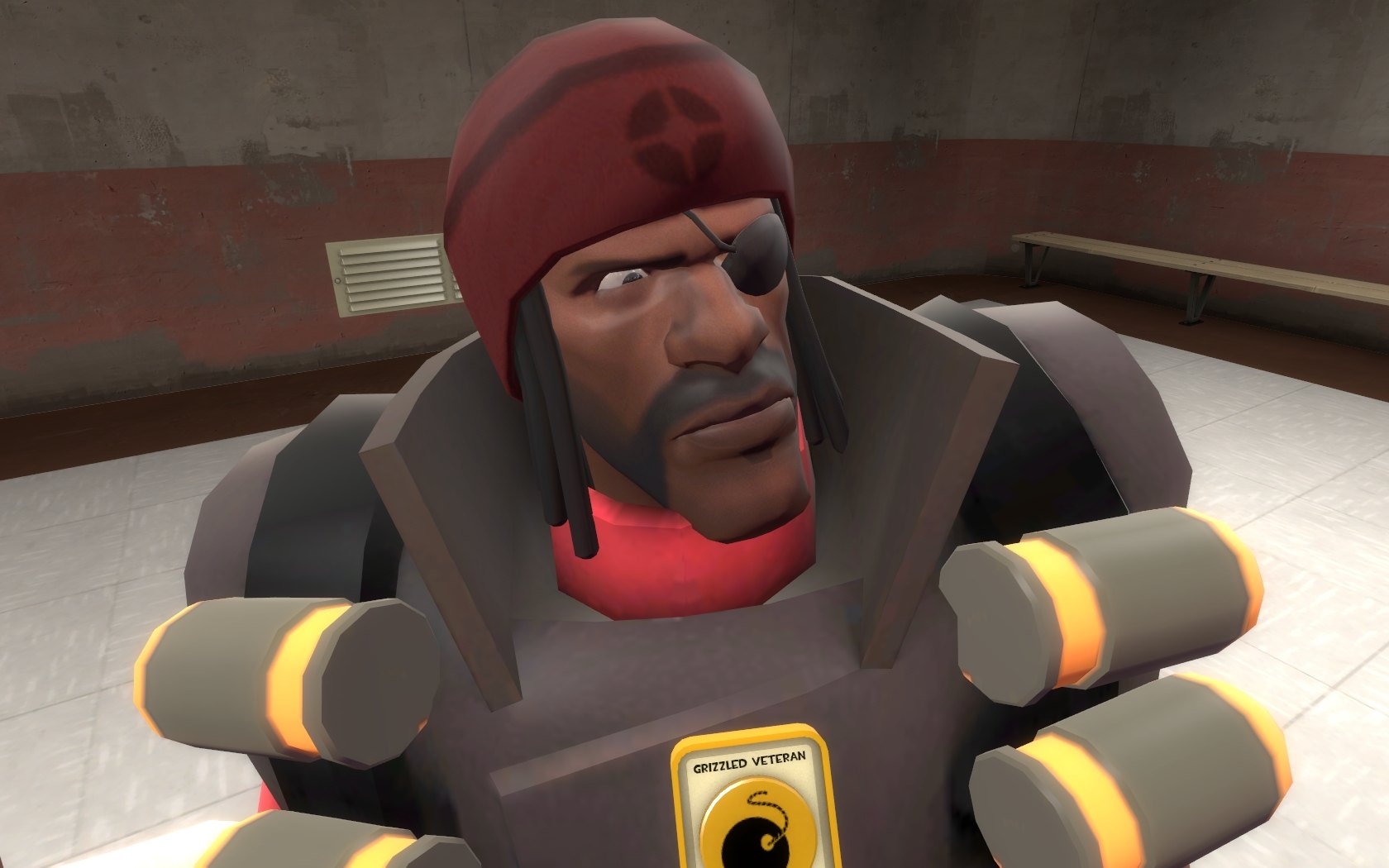
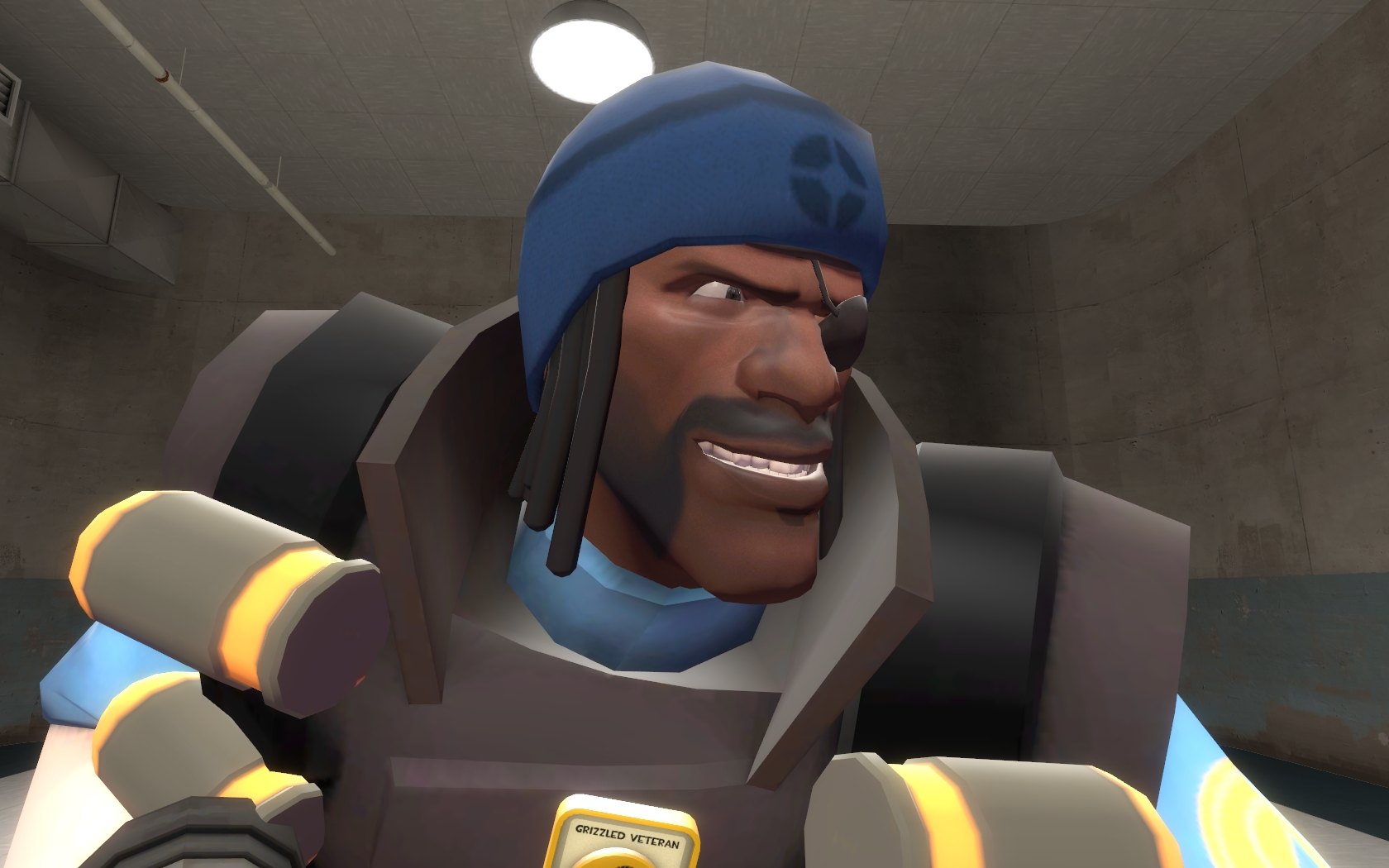
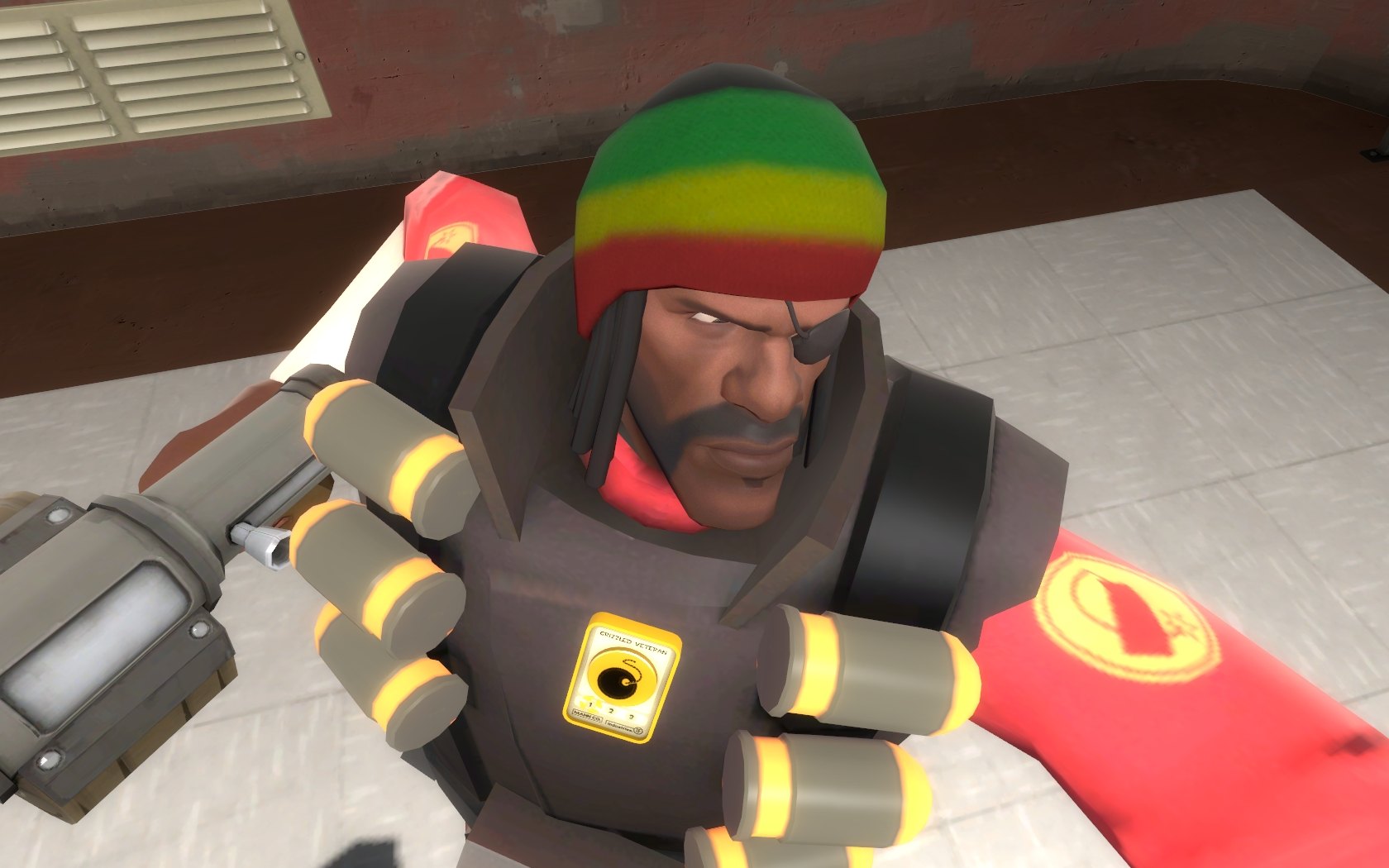
Добавил: The DSystem 2016-01-24 06:17:51 60 views Jigglebones in action:
How to install:
1) Choose which variant you want. Open the appropriate folder.
Normal = Team-coloured with logos
Rasta = Colourful rastafarian colours with no logos
(images of both are included)
2) Choose which hat you want to replace. Open the appropriate folder.
3) Drag and drop the "Models" and "Materials" folder into "Steam/SteamApps/Username/Team Fortress 2/tf/".
Note: None of the all class hat versions include a backpack icon.
Keywords: |  Add submission