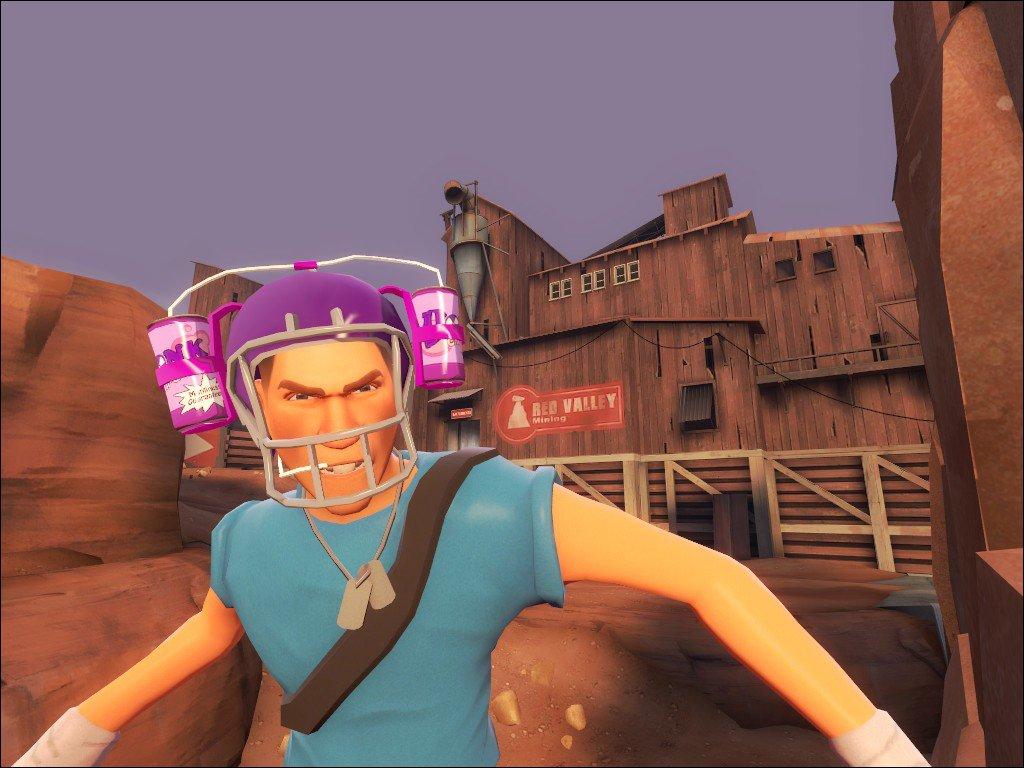
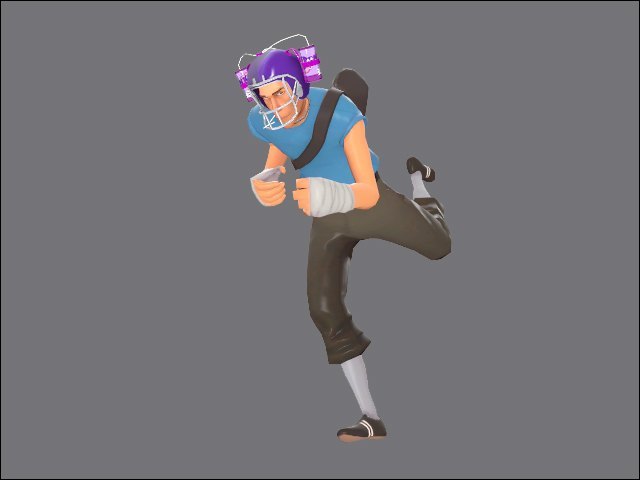
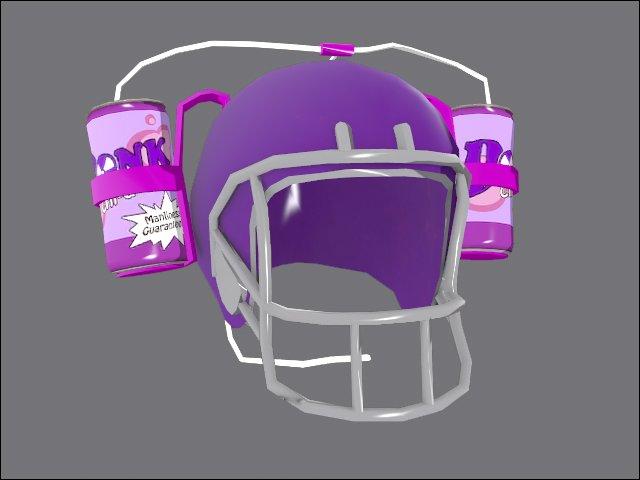
Добавил: The DSystem 2016-01-24 09:40:25 55 views This is the same hat in my avatar, it came from a request to make a Crit-A-Cola version of the Bonk! Helm, I wanted to go a step further then just reskinning the Bonk! Helm and decided to produce a hat different drink helmet from scratch.
Enjoy!
Author:
Drax / Drax-Quin
Contact: Max-Quin.L@Hotmail.co.uk
Steam Page: http://steamcommunity.com/id/DraxSpace
Install:
1) Choose a hat to replace from the list of hats given.
2) Open that folder inside you'll find a models folder.
3) Extract this folder into your [Username]/team fortress 2/tf Folder.
4) Return to the start of the zip file and you'll find a materials folder.
5) Extract the materials folder into [Username]/team fortress 2/tf Folder.
6) Enjoy :D
Keywords: |  Add submission