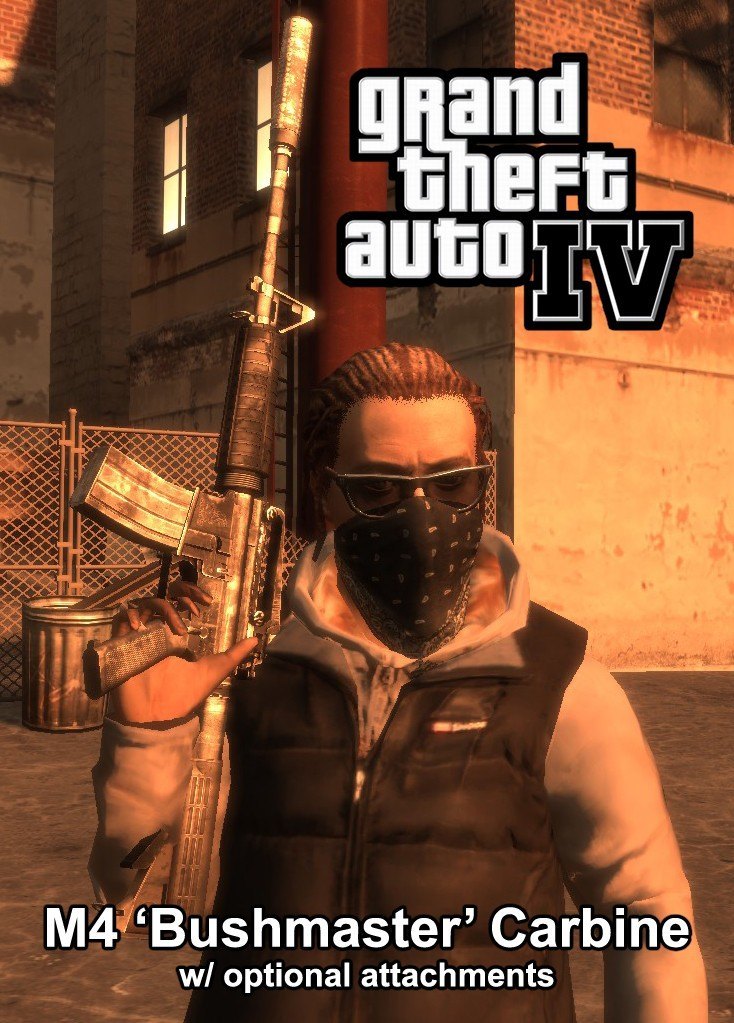
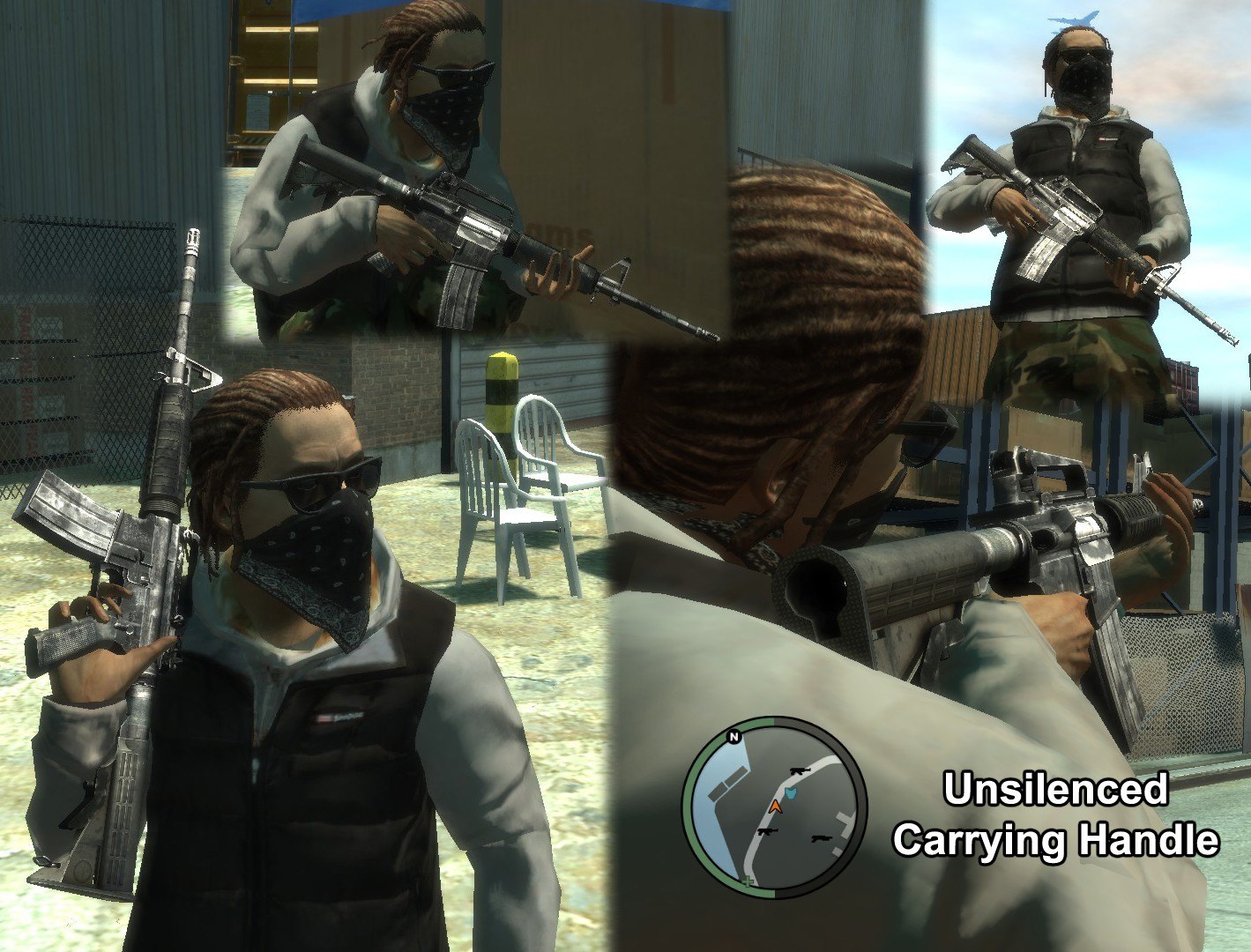
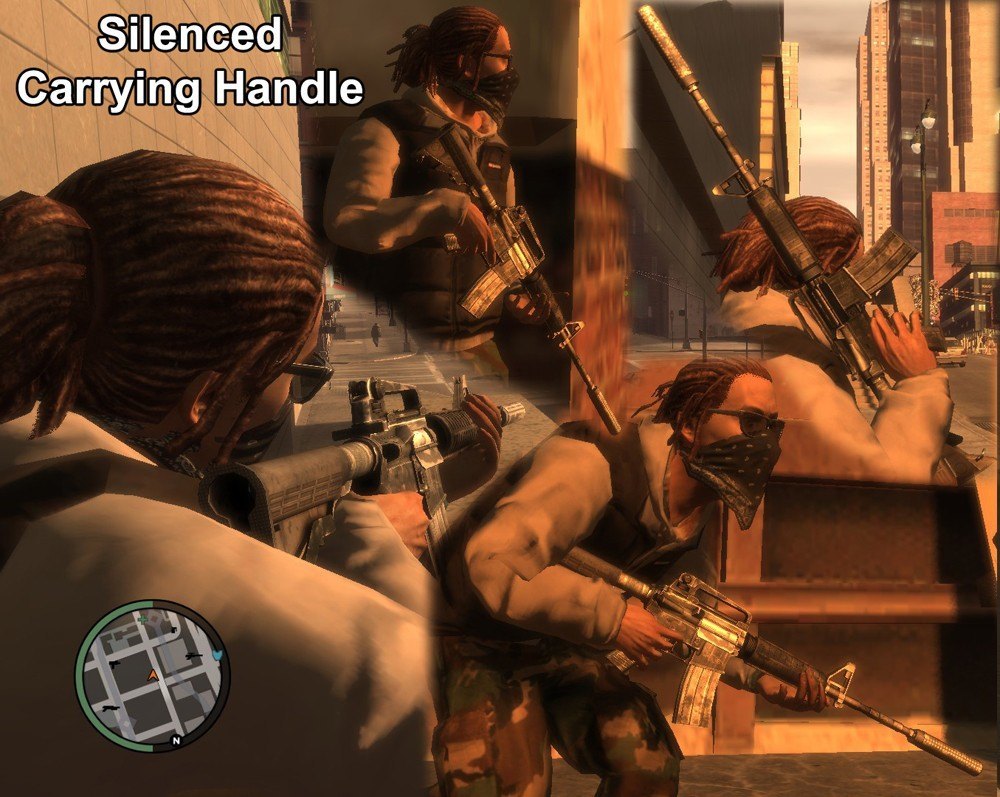
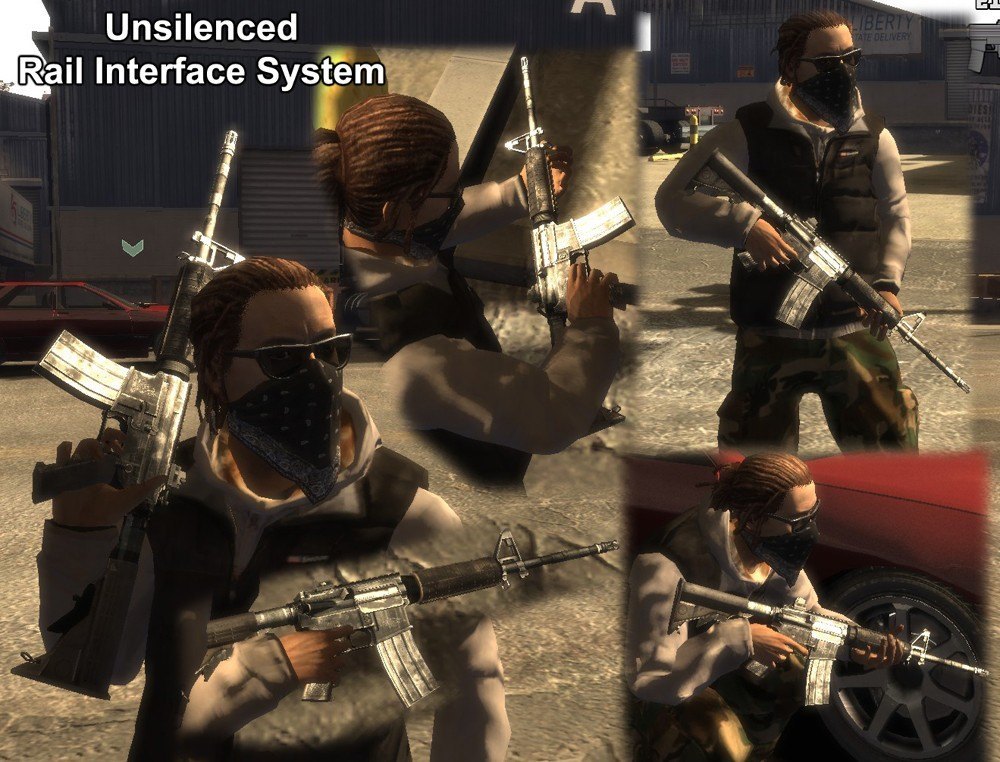
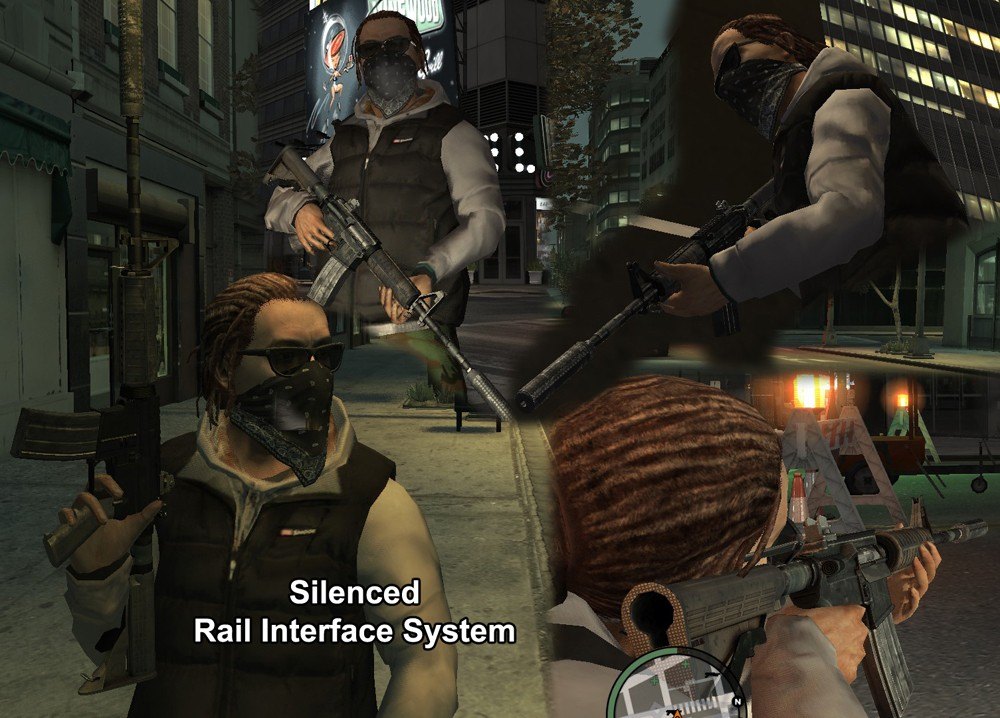
Добавил: The DSystem 2016-04-09 16:09:15 156 views This replaces the M4 with mine, and you can choose from 4 different versions:
Silenced w/ Carrying Handle
Silenced w/ RIS
Unsilenced w/ Carrying Handle
Unsilenced w/ RIS
The silenced version DOES include custom sounds.
CREDITS
Sephiris ------- Model, UV, Bake/Normals and Compile
Agent95 -------- Diffuse, Specular and Normal Edits. Modeled/textured the silencer as well.
xLongWayHome --- Created 'Silenced Fire' audio file
INSTALLATION
Open SparkIV, and click Browse If you're going with the Silenced M4, navigate to 'pc -> audio -> Sfx' in SparkIV. In there, find 'resident.rpf'
Double click that and then Import the 'WEAPONS.ivaud' file I supplied in the Silenced folder. Click Save at the top. In the SparkIV directory, find 'models -> cdimages' and open 'weapons.img'
Import both the .wtd and .wdr file of the version you want. Hit Save THEN Rebuild at the top. Close out of SparkIV completely and launch/play GTA IV.
Enjoy your new M4!!
*I've included the original WEAPONS.ivaud file in case you decide to switch from silenced version to an unsilenced. If you do decide to do this, follow step 2, but add that original .ivaud instead.
Keywords: |  Add submission