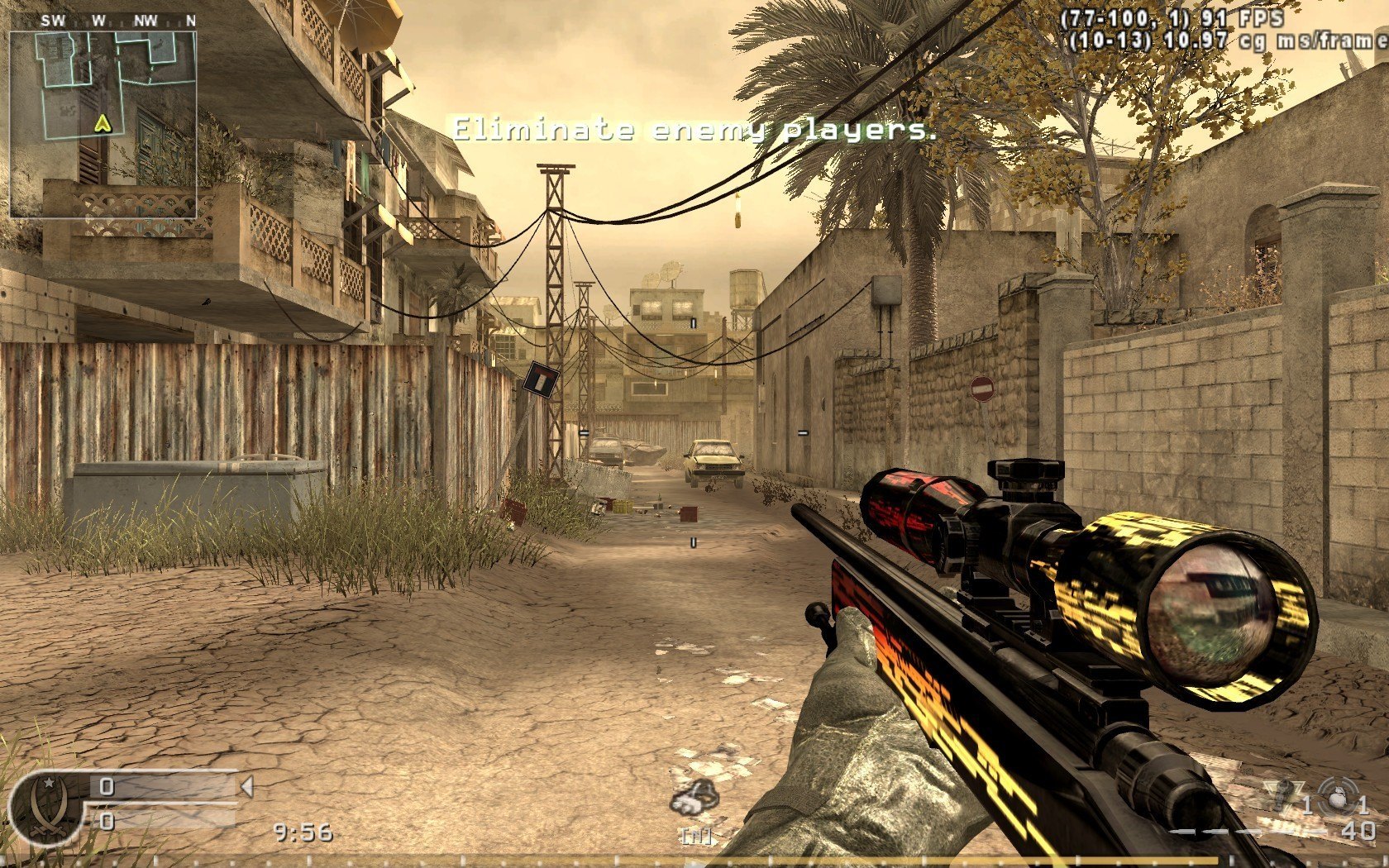
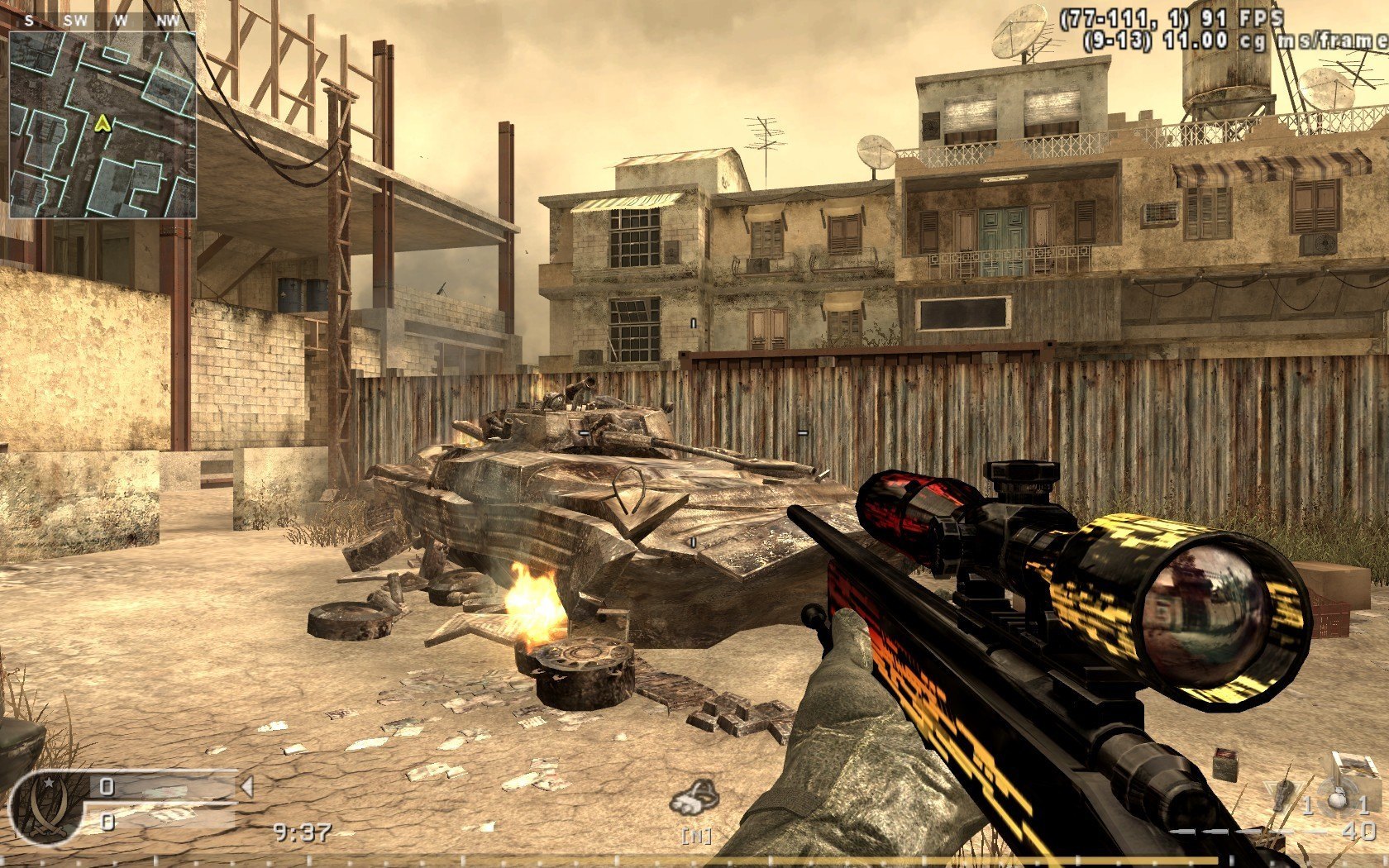
Добавил: The DSystem 2016-04-10 00:35:42 124 views I hope you enjoy this skin
I have included the skin files as well as dds files, and psd files so you can easily add your clantag/IGN to the side of the weapon. Also included is the dds-iwi converter for your ease of use.
readme:
THIS METHOD WORKS IN ALL SERVERS
You will need a fully patched version of CoD4, and these items
A graphics program such as Photoshop, GIMP or Paint.net
DDS to IWI converter and vice versa = http://gamebanana.com/cod4/tools/2130
DDS plugin for Photoshop = http://developer.nvidia.com/nvidia-texture-tools-adobe-photoshop
winRAR or similar zip program
I RECOMMEND BACKING UP YOUR ENTIRE 'MAIN' FOLDER
Step 1: Renaming your files
Go to your CoD4 installation folder and your MAIN folder, rename these files
rename "iw_00.iwd" to "localized_english_aa.iwd"
rename "iw_01.iwd" to "localized_english_aab.iwd"
rename "iw_02.iwd" to "localized_english_aac.iwd"
rename "iw_03.iwd" to "localized_english_aad.iwd"
rename "iw_04.iwd" to "localized_english_aae.iwd"
rename "iw_05.iwd" to "localized_english_aaf.iwd"
rename "iw_06.iwd" to "localized_english_aag.iwd"
at this point, it is worth booting CoD4 to see if it is done correctly, if you are fail the game will fail to boot, go back and look harder, take your time on this step.
Step 2: Finding your files
you will find most of them in localized_english_aac.iwd and localized_english_aae.iwd, they are generally called mtl_weapon or just weapon, so look under M and W once you have opened the file with winrar.
*if winrar will not let you edit your file due to access restrictions, especially on win7, remove the whole zip to your desktop, edit it, then put it back.
Step 3: Conversion
once you have your IWI files extracted that you want to edit, drag and drop them onto iwi-dss that you downloaded and a .dds file will appear. Ensure you have installed the dds plugin to photoshop. Then you can open with.... and choose photoshop (I use cs5)
Step 4: Editing
un-need for this readme*
Step 5: Setup
Save your work as a DDS file, when asked, select dxt5 mode and leave mipmaps on. easy.
Drag drop it onto dds to iwi to convert back to iwi.
Copy and paste iw_07.iwd to your desktop, then delete the sound folder and make a new folder named images. Drag your custom skin files into the images folder and when your done, rename iw_07.iwd to localized_english_aw07.iwd then drag it back into your main folder for cod4.
Boot up CoD4 and see your work in action, this should work on all servers.
Thanks all, please have a go!!
Keywords: |  Add submission