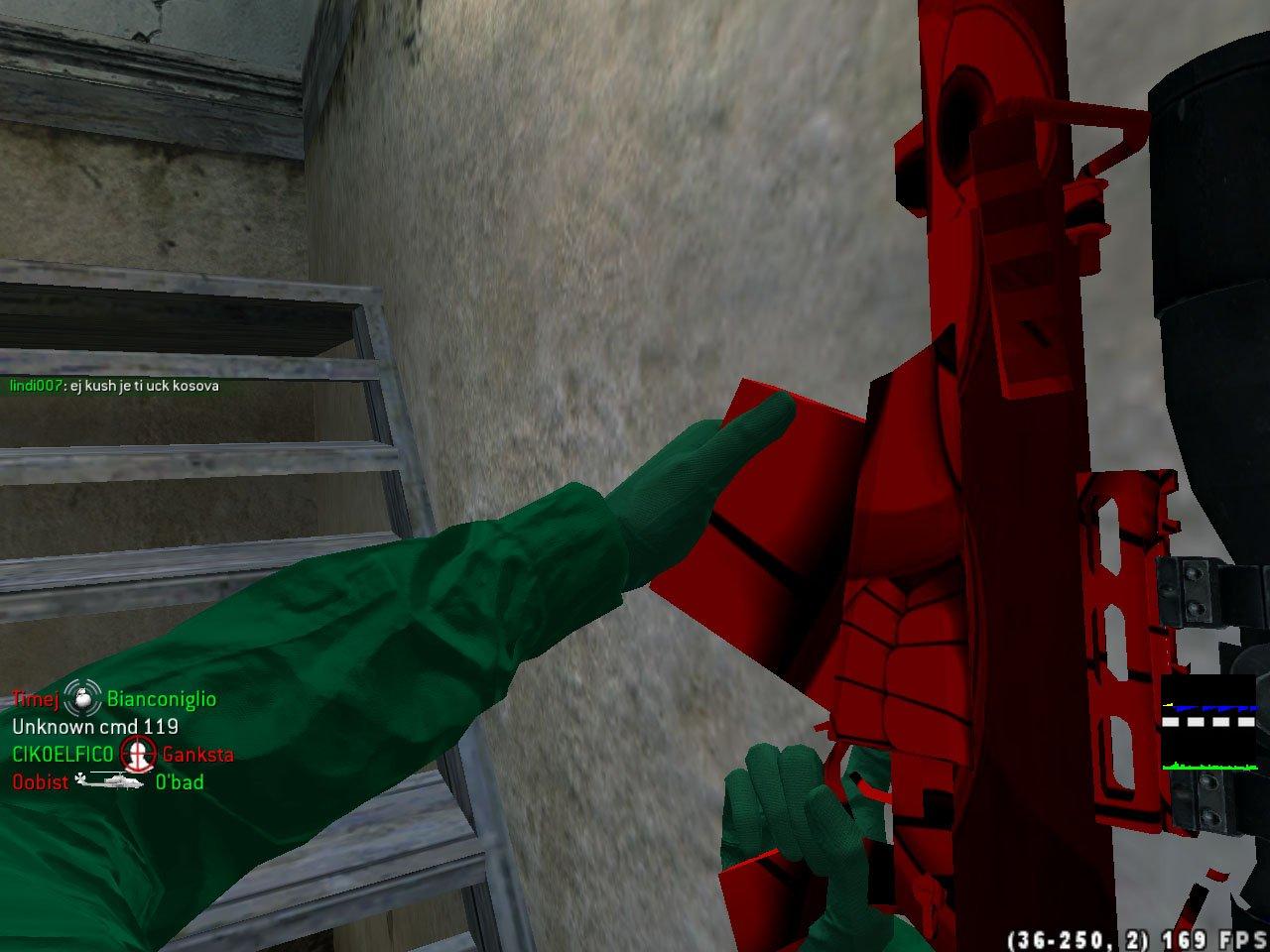
Добавил: The DSystem 2016-02-04 17:01:29 60 views Installation Instructions:
Install: Unzip on the "main" folder located on Call of Duty 4 Modern Warfare Directory
If This Doesn't works...
1.- Goto to "main" localized in your Call of Duty® 4: Modern Warfare folder and rename the following files:
Rename "iw_00.iwd" to "localized_english_aa.iwd"
Rename "iw_01.iwd" to "localized_english_aab.iwd"
Rename "iw_02.iwd" to "localized_english_aac.iwd"
Rename "iw_03.iwd" to "localized_english_aad.iwd"
Rename "iw_04.iwd" to "localized_english_aae.iwd"
2.- Now Create a ZIP file with WinRAR or WinZIP o any other compressor an name it "localized_english_aw07" and change the .zip to .iwd and put it on the "main" folder.
3.- Now Open "z_blarg.iwd" (inside z_blarg.zip) with any compressor and extract the folder "images" from it
and move "images" folder to "localized_english_aw07.iwd".
Installation Notes:
-If this is the first skin you install, in step 3, don't extract anything from "z_blarg.iwd"
just rename it to "localized_english_aw07.iwd" and put it inside the "main" folder.
Keywords: |  Add submission